> ## Documentation Index
> Fetch the complete documentation index at: https://docs.4minds.ai/llms.txt
> Use this file to discover all available pages before exploring further.
# 4MINDS API Overview
> Access 4MINDS programmatically through REST API endpoints.
**The Synthesis Graph™ is not directly accessible via API.** There is no graph query endpoint — the knowledge graph is queried internally during model inference. To retrieve knowledge from the graph, call a model inference endpoint; the model traverses the graph as part of generating its response.
## **Accessing 4MINDS API**
The **API** is a dedicated tab in the main navigation. It's available on the **Enterprise plan** and only visible to users with **Admin** rights — if you don't see the tab, confirm your plan and role with your organization administrator.
From the **API** tab, you can view your API keys, configure access, and browse the API reference.
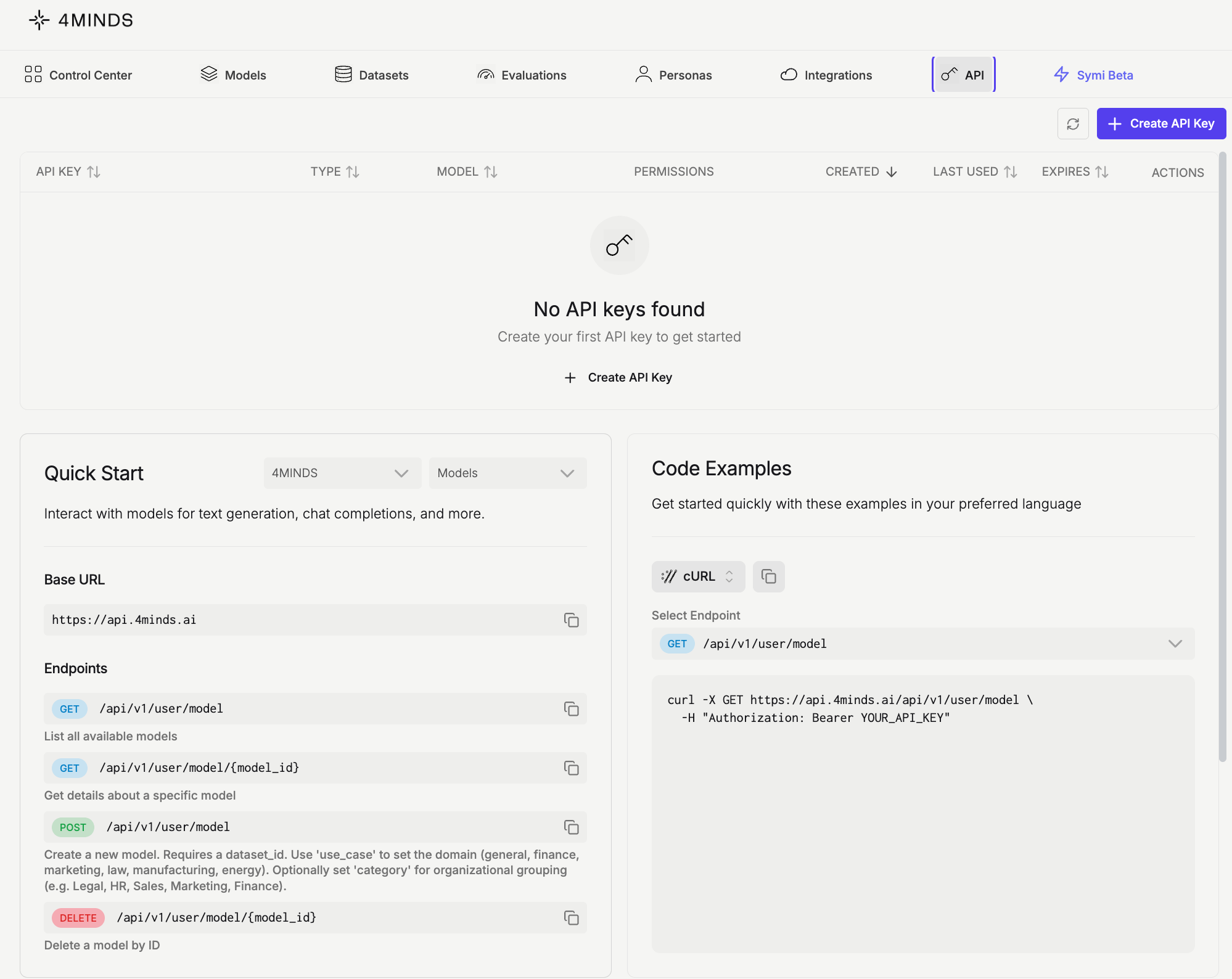
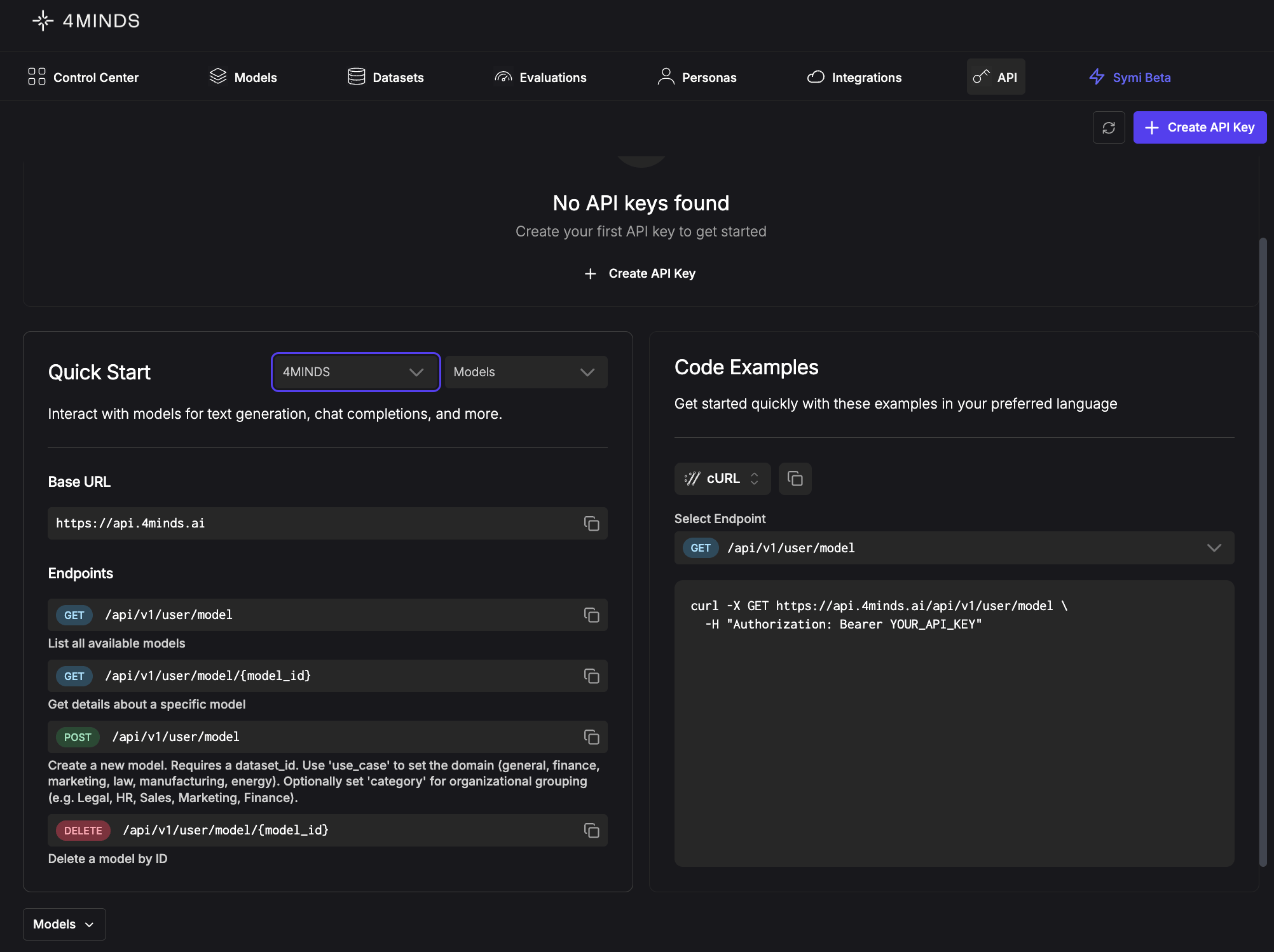 The '**Quick Start**' section in the left sidebar lets you select the API version and a resource from the dropdowns to view all available 4MINDS API endpoints.
4MINDS offers two API versions, selectable from the first dropdown in the **Quick Start** section: the **regular 4MINDS API** and the **OpenAI-compatible API**. Use the OpenAI-compatible version if you're migrating from OpenAI or want to reuse existing OpenAI SDK code with minimal changes.
The API enables programmatic interaction with your ***models***, ***conversations***, ***datasets***, ***evaluations***, ***inference, use cases, fine-tuning categories, personas, external models,*** *and **integrations***.
Located next to the '**Quick Start**' section, the '**Code Examples**' section provides ready-to-use code snippets in cURL, Python, JavaScript, and Node.js. Simply select your preferred language from the dropdown for any endpoint.
The '**Quick Start**' section in the left sidebar lets you select the API version and a resource from the dropdowns to view all available 4MINDS API endpoints.
4MINDS offers two API versions, selectable from the first dropdown in the **Quick Start** section: the **regular 4MINDS API** and the **OpenAI-compatible API**. Use the OpenAI-compatible version if you're migrating from OpenAI or want to reuse existing OpenAI SDK code with minimal changes.
The API enables programmatic interaction with your ***models***, ***conversations***, ***datasets***, ***evaluations***, ***inference, use cases, fine-tuning categories, personas, external models,*** *and **integrations***.
Located next to the '**Quick Start**' section, the '**Code Examples**' section provides ready-to-use code snippets in cURL, Python, JavaScript, and Node.js. Simply select your preferred language from the dropdown for any endpoint.
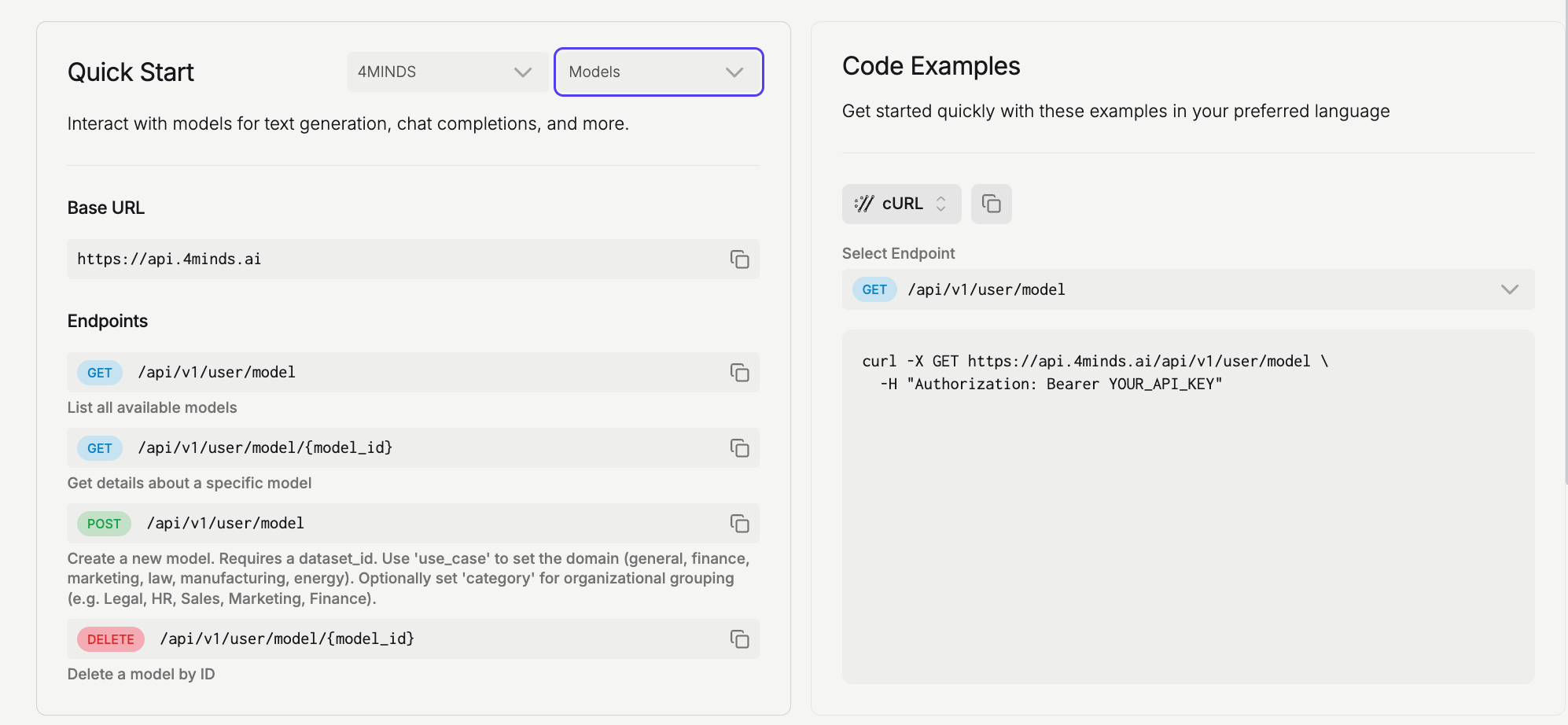
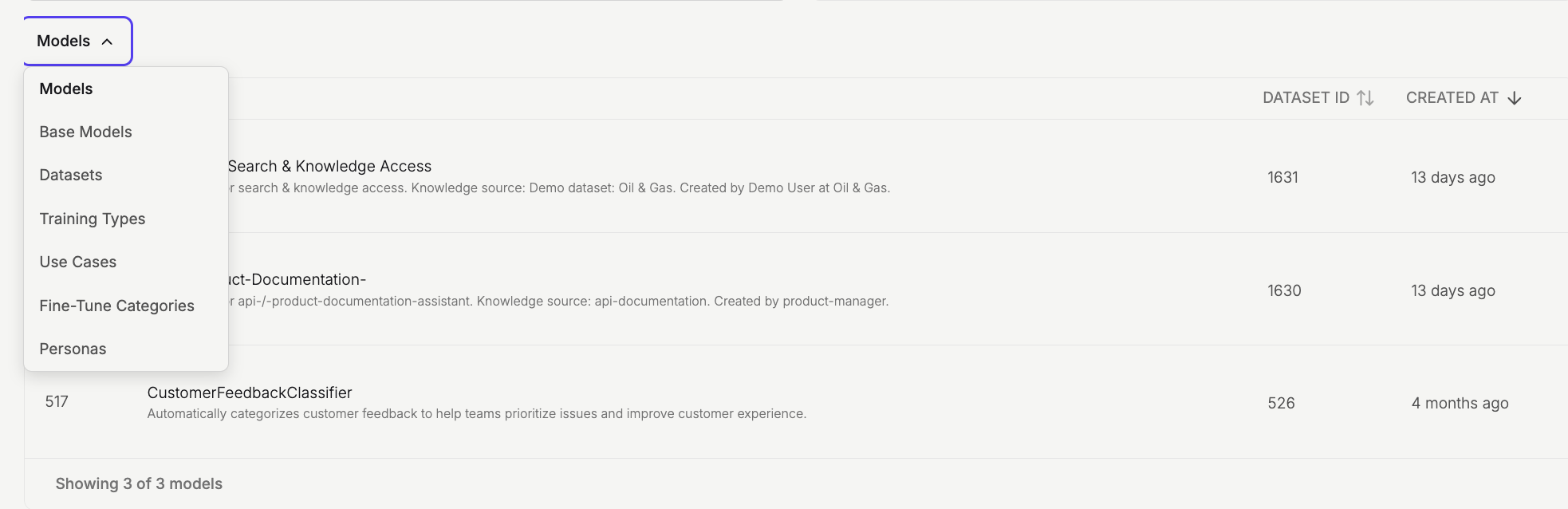
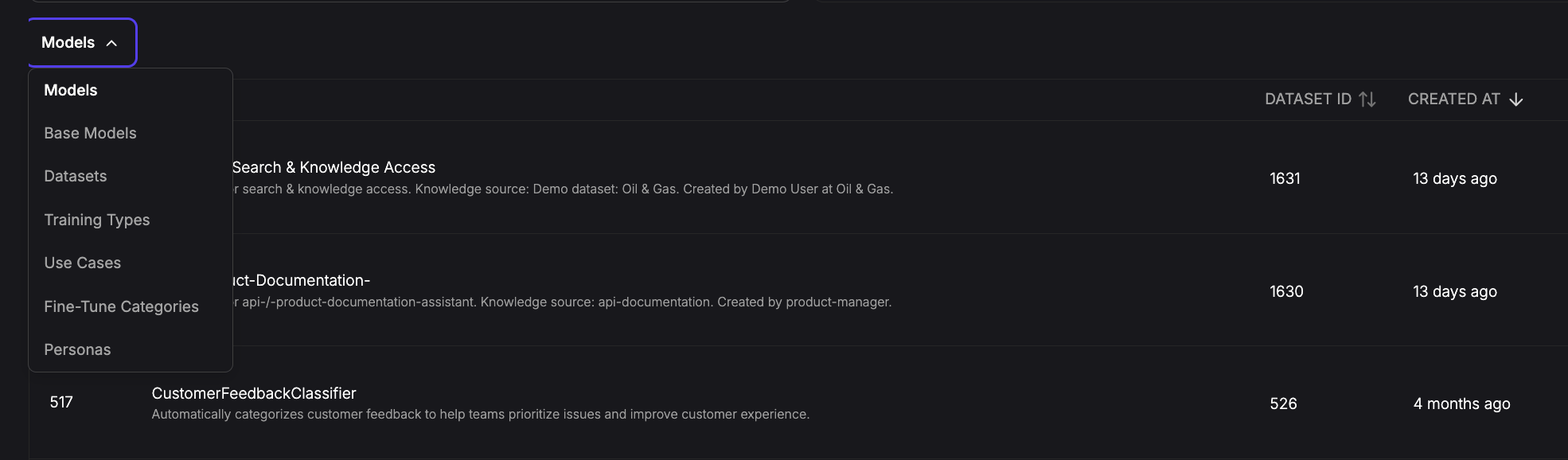
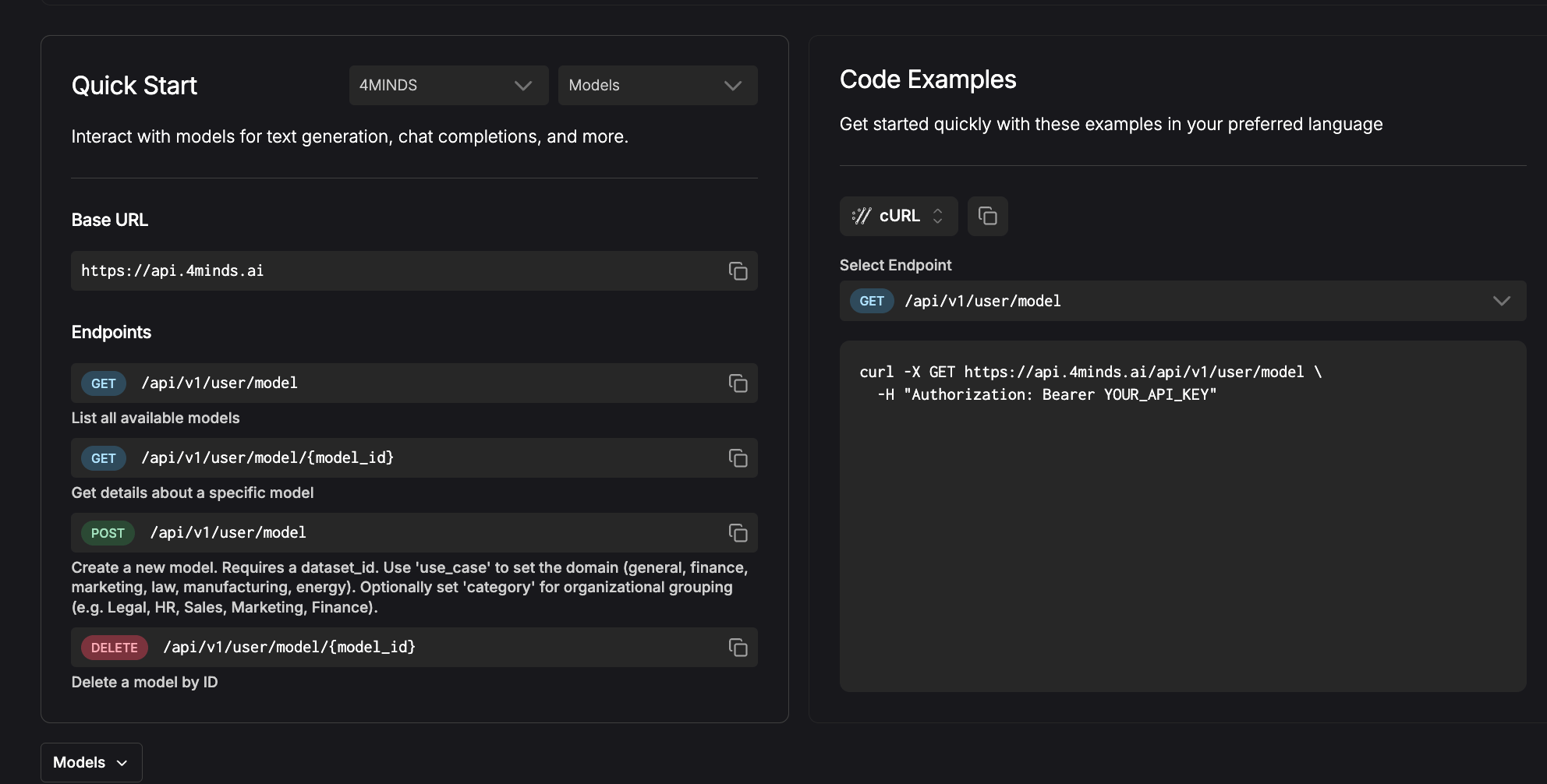 The table below the '**Quick Start**' section contains resource IDs required for certain API requests. Available resources in the dropdown include: ***models***, ***base models***, ***datasets***, ***training types***, ***use cases***, ***fine-tuning categories*** and ***personas***.
 ## Authentication
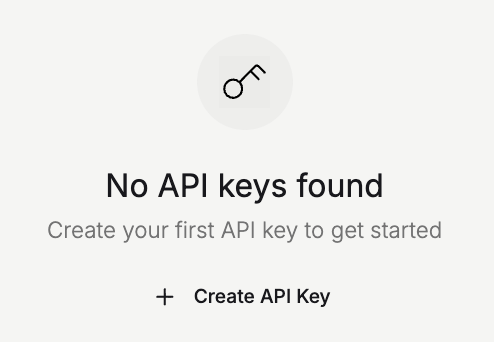
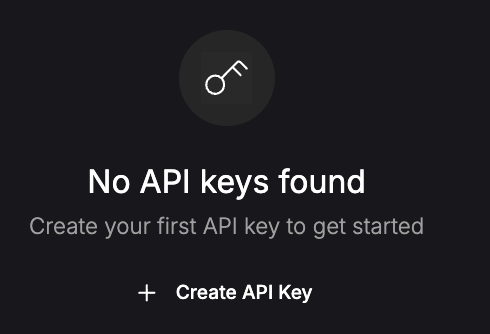
To start working with the 4MINDS API, click the '**Create API Key**' button to generate your authentication key.
## Authentication
To start working with the 4MINDS API, click the '**Create API Key**' button to generate your authentication key.
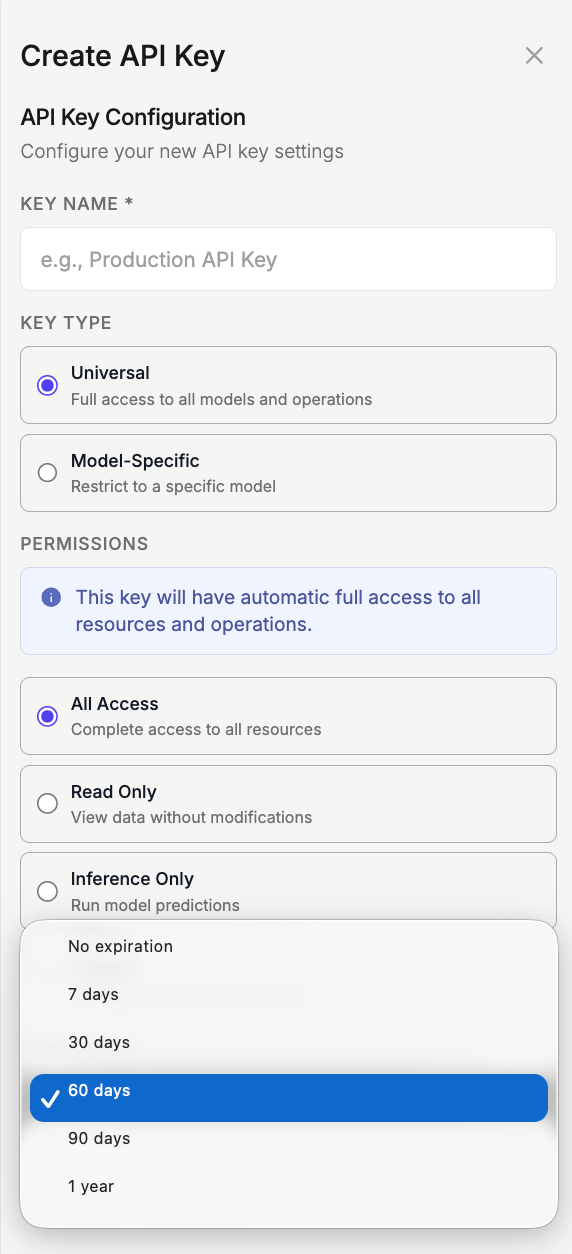
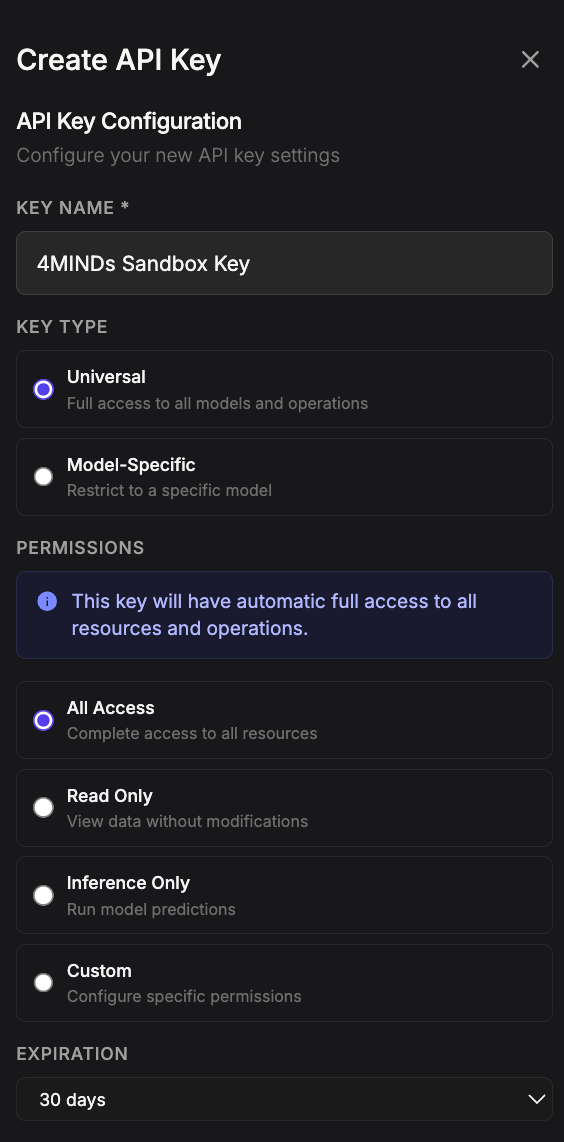
 Configure your API key by entering a name, selecting the key type (Universal or Model-specific), setting permissions (All Access, Read Only, Inference Only, or Custom) and expiration period. Click the '**Create Key**' button to finalize and generate your authentication key.
 You'll receive a confirmation that your key has been created successfully.
Copy your API authentication key now and store it securely, as you won't be able to retrieve it later.
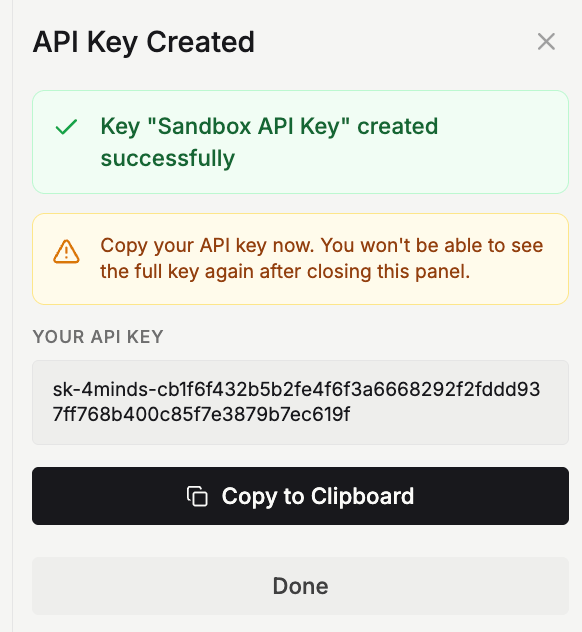
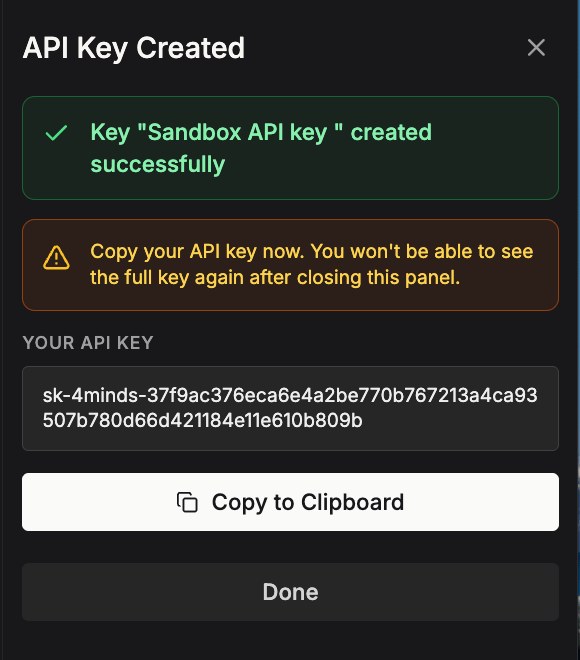
You'll receive a confirmation that your key has been created successfully.
Copy your API authentication key now and store it securely, as you won't be able to retrieve it later.
 ## Base URL
```text theme={null}
https://api.4minds.ai
```
## Support
For API access or questions, contact support at [support@4minds.ai](mailto:support@4minds.ai).
## Base URL
```text theme={null}
https://api.4minds.ai
```
## Support
For API access or questions, contact support at [support@4minds.ai](mailto:support@4minds.ai).