> ## Documentation Index
> Fetch the complete documentation index at: https://docs.4minds.ai/llms.txt
> Use this file to discover all available pages before exploring further.
# Evaluate your Model Performance
> Evaluations provide comprehensive model performance reports with key metrics to help you make data-driven decisions about model quality. The 4MINDS platform automatically generates evaluation reports that assess your model's accuracy, response quality, and overall effectiveness. Use Evaluations feature to identify areas for improvement and validate that your model meets production requirements.
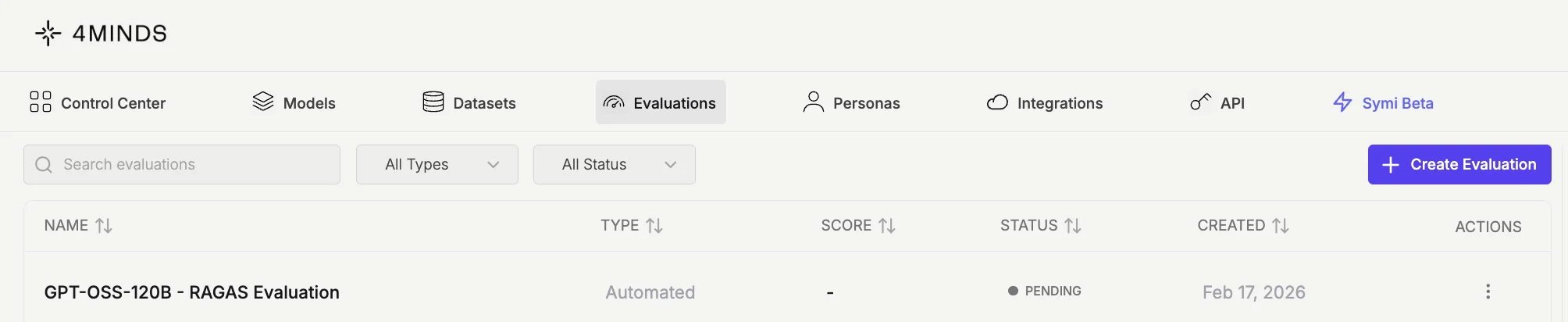
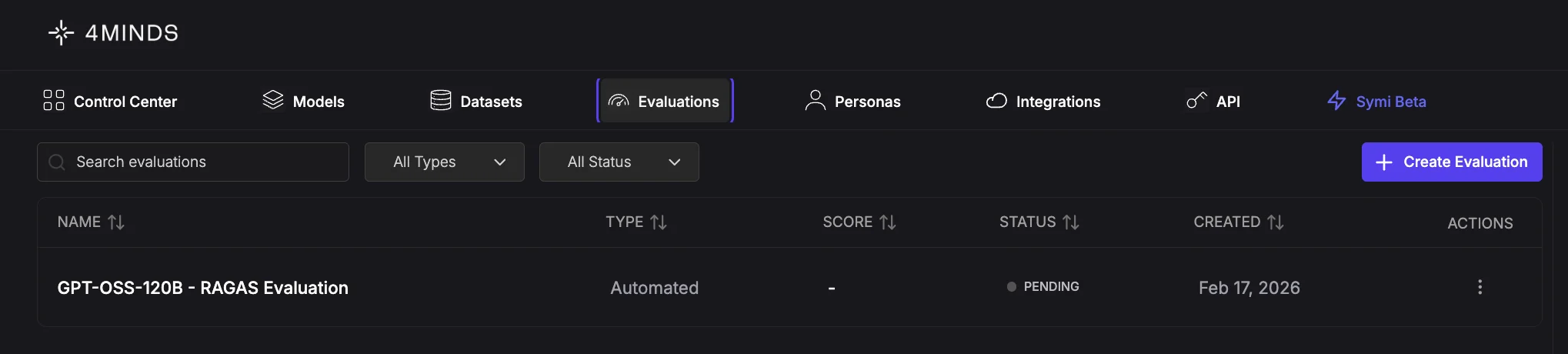
To evaluate your model, navigate to the '**Evaluations**' tab and click '**Create Evaluation**'.
 Select your evaluation method from the available options:
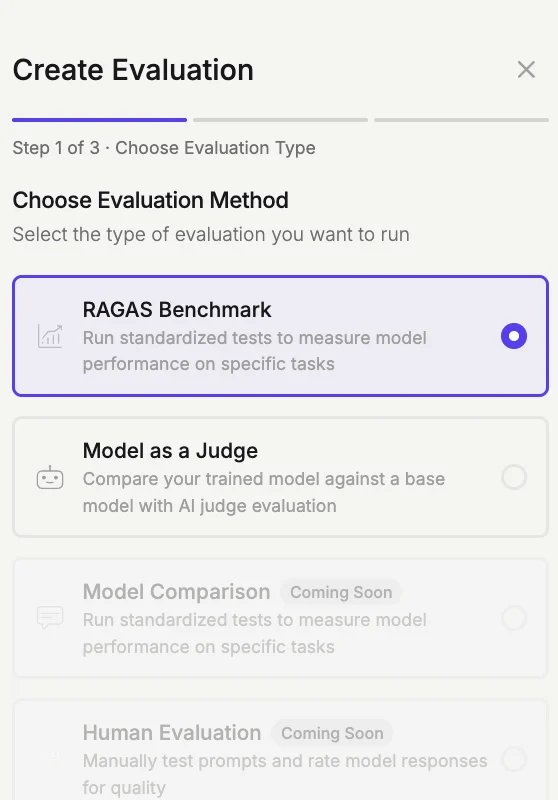
* **RAGAS Benchmark** (***Currently Available***): A standardized test that measures model performance on specific tasks using predefined metrics and datasets.
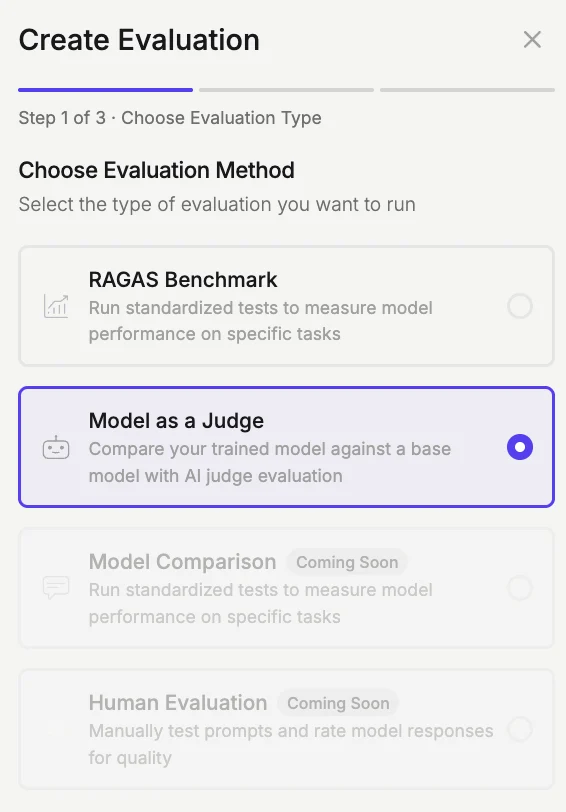
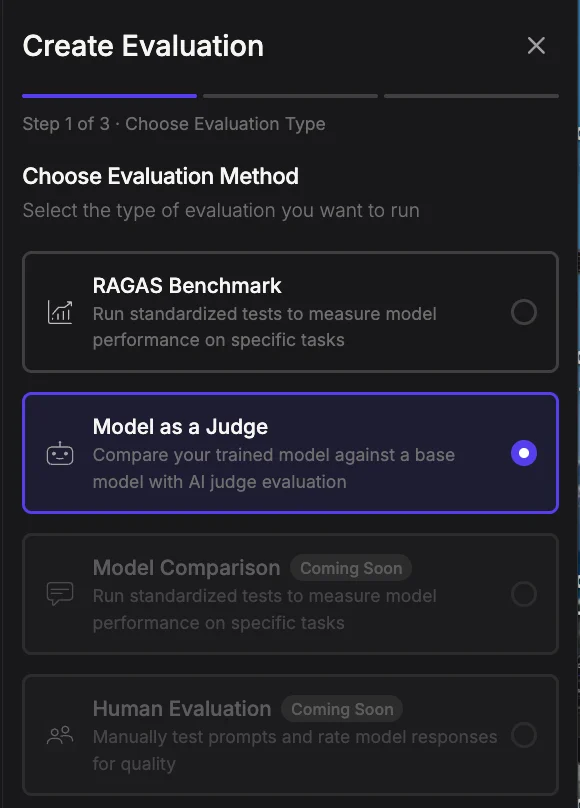
* **Model as Judge** (***Currently Available***): Automatically compares your customized model against a base foundation model, with ChatGPT acting as an AI judge to evaluate responses side-by-side and determine which performs better.
* **Model Comparison** (***Coming Soon***)**:** Side-by-side evaluation of multiple models using standardized tests to compare performance, accuracy, and response quality across specific tasks.
* **Human Evaluation** (***Coming Soon***): Manual assessment by human reviewers to evaluate response quality, relevance, and appropriateness based on subjective criteria.
## RAGAS Benchmark evaluation
**Step 1: Choose 'RAGAS Benchmark' evaluation method**
Select your evaluation method from the available options:
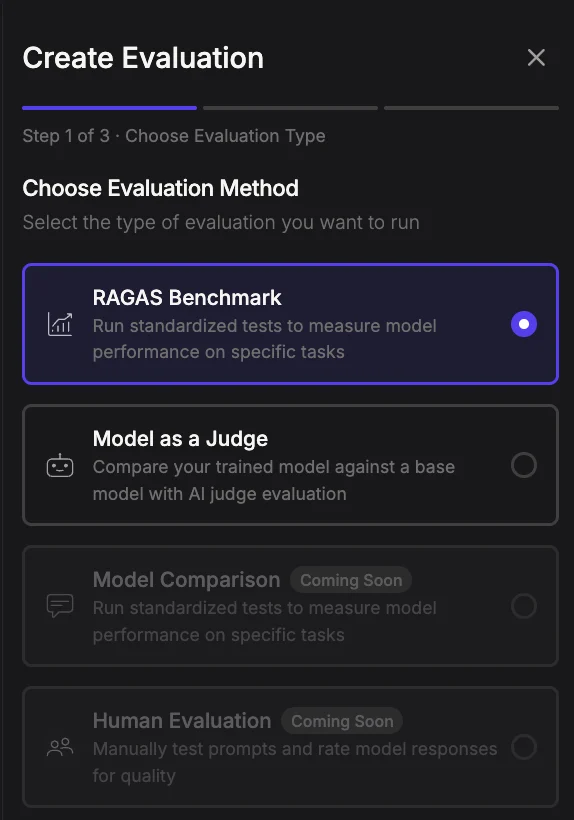
* **RAGAS Benchmark** (***Currently Available***): A standardized test that measures model performance on specific tasks using predefined metrics and datasets.
* **Model as Judge** (***Currently Available***): Automatically compares your customized model against a base foundation model, with ChatGPT acting as an AI judge to evaluate responses side-by-side and determine which performs better.
* **Model Comparison** (***Coming Soon***)**:** Side-by-side evaluation of multiple models using standardized tests to compare performance, accuracy, and response quality across specific tasks.
* **Human Evaluation** (***Coming Soon***): Manual assessment by human reviewers to evaluate response quality, relevance, and appropriateness based on subjective criteria.
## RAGAS Benchmark evaluation
**Step 1: Choose 'RAGAS Benchmark' evaluation method**
 Click '**Next**' to continue.
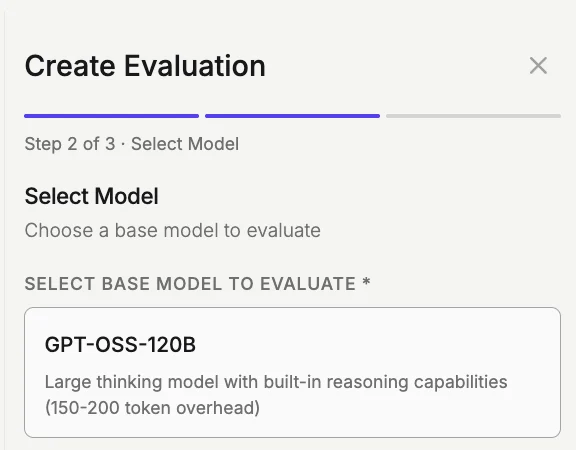
**Step 2: Select your base model**
**Direct base-model selection has been deprecated.** Models deployed directly on the 4MINDS platform run on `gpt-oss-120b`, which is also the default comparison baseline used in evaluations. To compare against other foundation models, connect them through an external provider integration like [Amazon Bedrock](/bedrock), Google Vertex AI, [Amazon SageMaker](/integrations#amazon-sagemaker), or [Microsoft Foundry](/microsoft-foundry).
Click '**Next**' to continue.
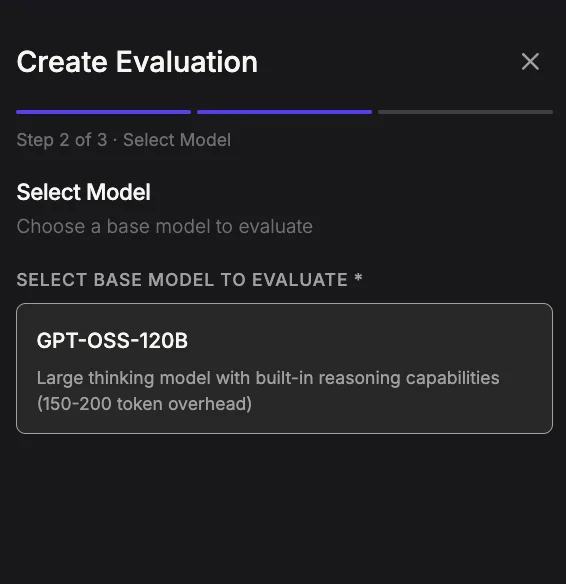
**Step 2: Select your base model**
**Direct base-model selection has been deprecated.** Models deployed directly on the 4MINDS platform run on `gpt-oss-120b`, which is also the default comparison baseline used in evaluations. To compare against other foundation models, connect them through an external provider integration like [Amazon Bedrock](/bedrock), Google Vertex AI, [Amazon SageMaker](/integrations#amazon-sagemaker), or [Microsoft Foundry](/microsoft-foundry).
 Click '**Next**' to continue.
**Step 3: Review and confirm the details**
Click '**Next**' to continue.
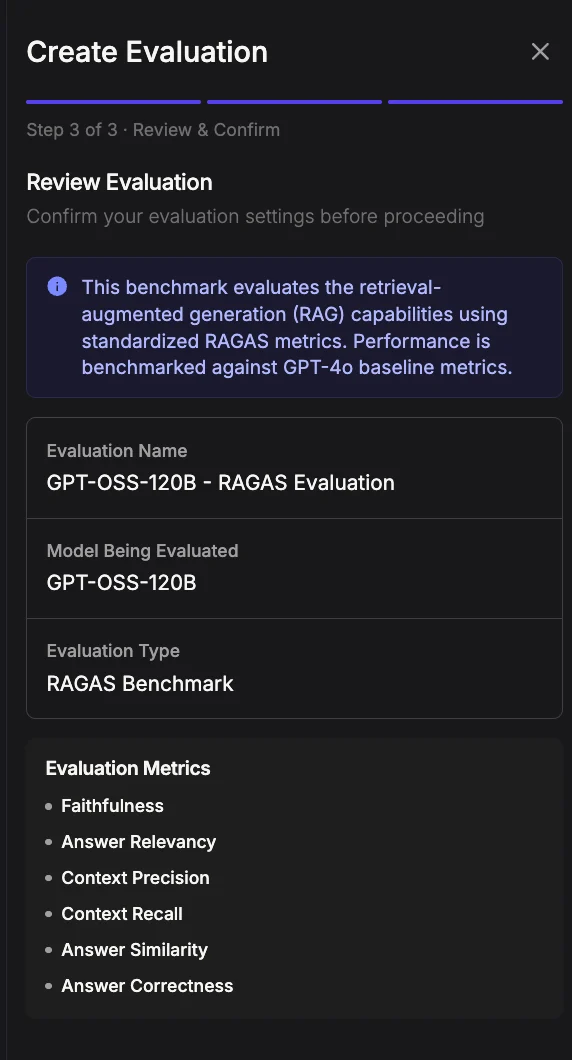
**Step 3: Review and confirm the details**
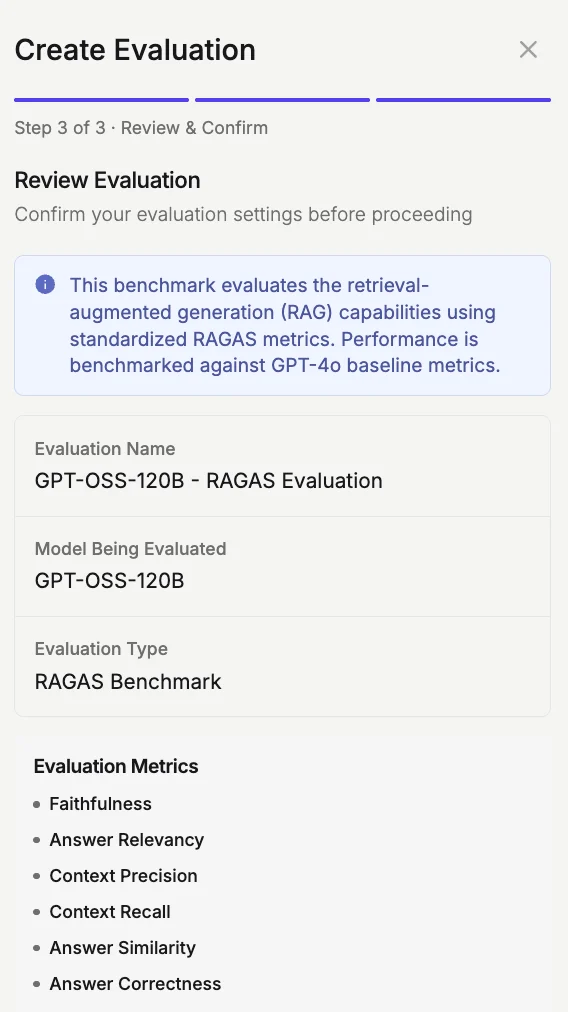
 Review and confirm the details, then click '**Start Evaluation**' to begin.
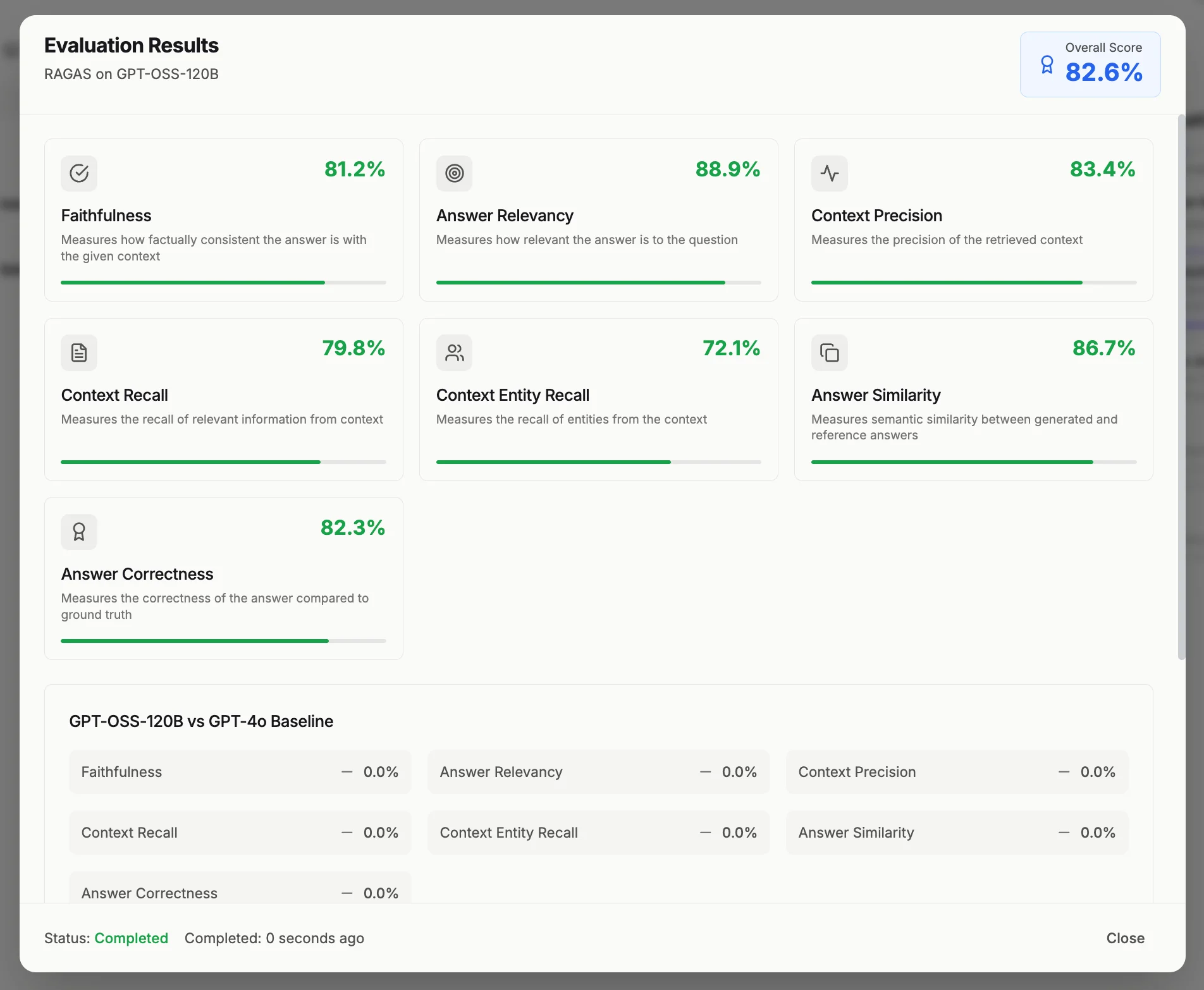
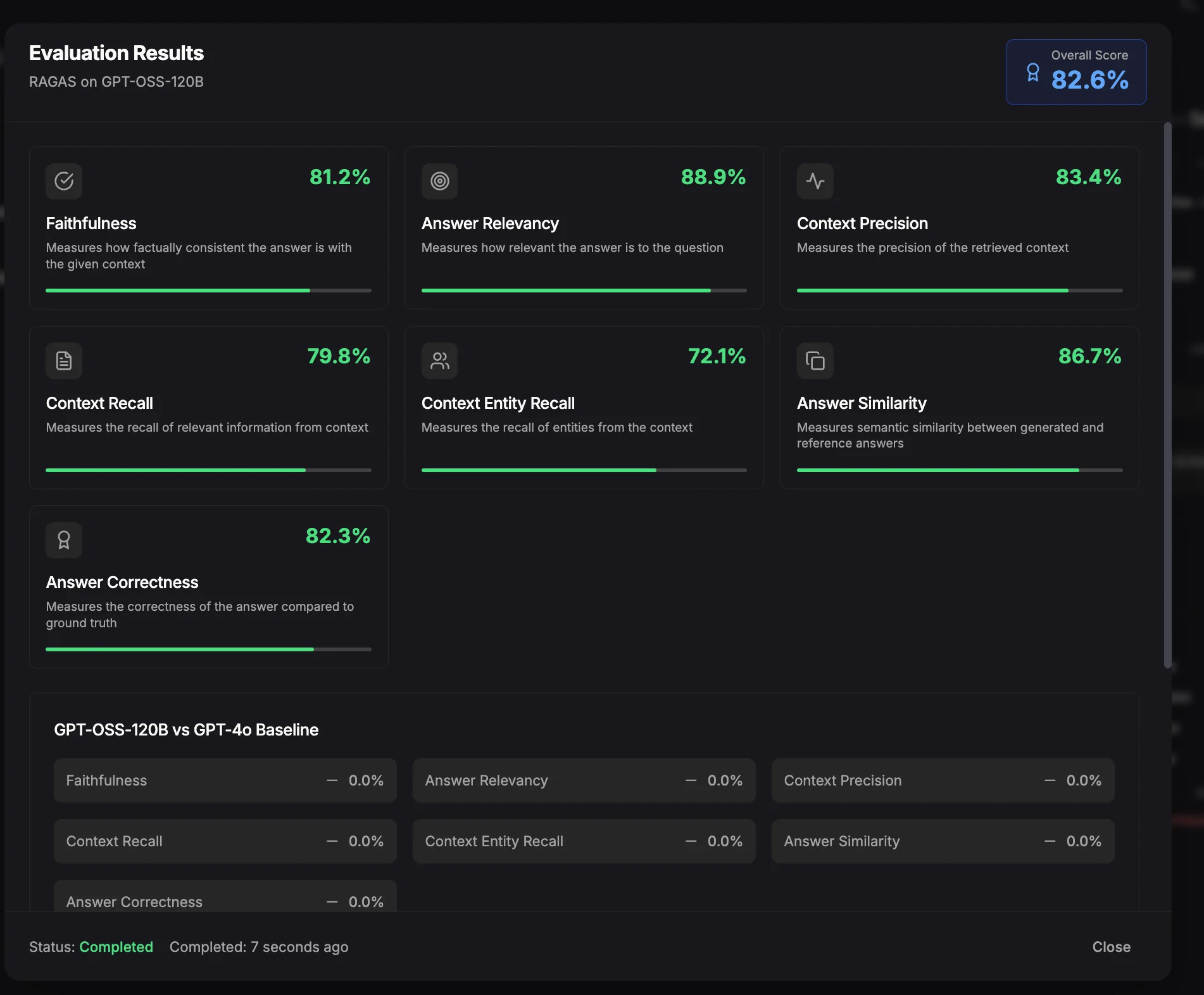
Monitor the evaluation status in the Evaluation Dashboard. Once complete, the status will update to "**Completed**" and the evaluation report will open in a separate window.
Review and confirm the details, then click '**Start Evaluation**' to begin.
Monitor the evaluation status in the Evaluation Dashboard. Once complete, the status will update to "**Completed**" and the evaluation report will open in a separate window.
 ## Model as Judge evaluation
Model as Judge automatically compares your customized model against a base foundation model. ChatGPT evaluates responses side-by-side to determine which performs better.
### Setting up a Model as Judge evaluation
**Step 1: Choose 'Model as Judge' evaluation method**
## Model as Judge evaluation
Model as Judge automatically compares your customized model against a base foundation model. ChatGPT evaluates responses side-by-side to determine which performs better.
### Setting up a Model as Judge evaluation
**Step 1: Choose 'Model as Judge' evaluation method**
 Click '**Next**' to continue.
**Step 2: Select your trained model**
Click '**Next**' to continue.
**Step 2: Select your trained model**
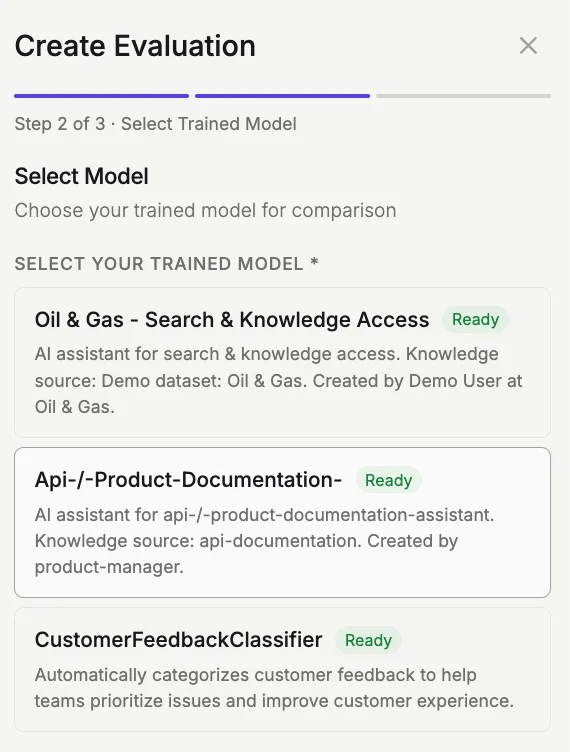
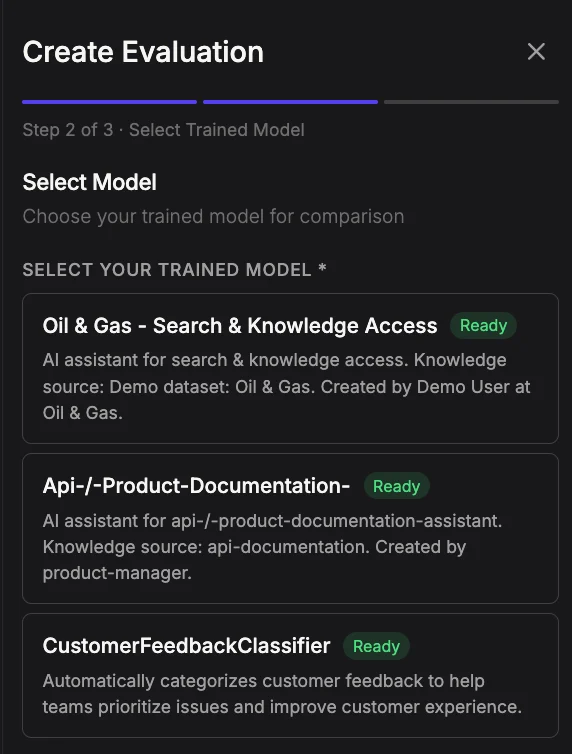 Select the customized model you want to evaluate, review its description, and click '**Next**' to continue.
**Step 3: Review and confirm**
Select the customized model you want to evaluate, review its description, and click '**Next**' to continue.
**Step 3: Review and confirm**
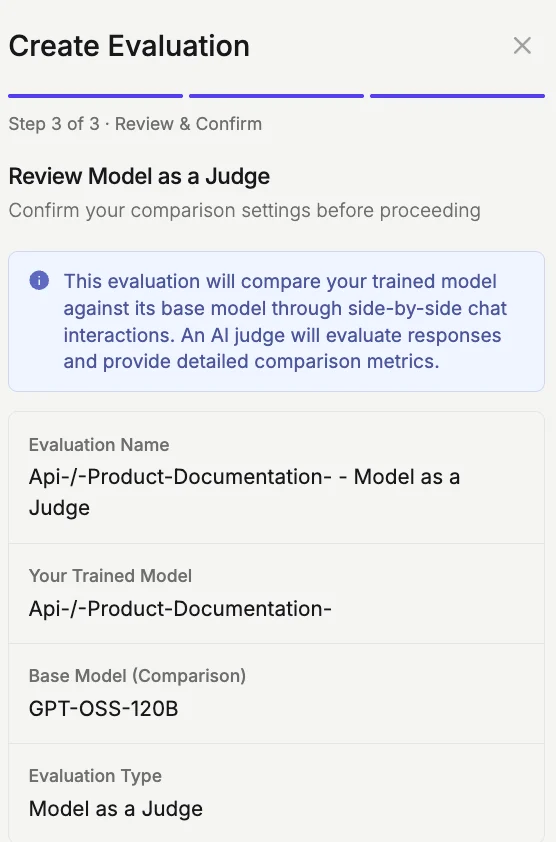
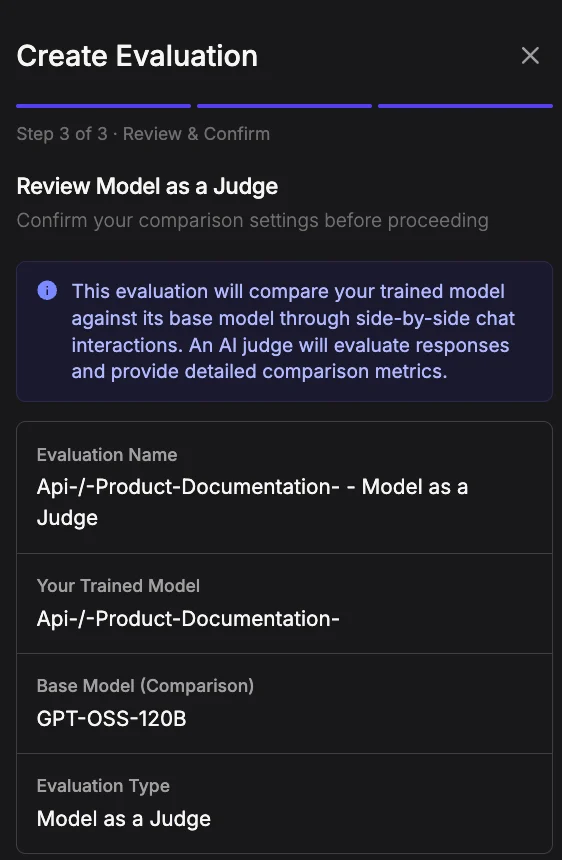 Verify your settings:
* **Evaluation Name**: Auto-generated name
* **Your Trained Model**: Your customized model (with RAG)
* **Base Model**: Foundation model for comparison (without RAG)
* **Evaluation Type**: Model as Judge
Click **Start Comparison** to begin.
### Using the evaluation interface
Verify your settings:
* **Evaluation Name**: Auto-generated name
* **Your Trained Model**: Your customized model (with RAG)
* **Base Model**: Foundation model for comparison (without RAG)
* **Evaluation Type**: Model as Judge
Click **Start Comparison** to begin.
### Using the evaluation interface
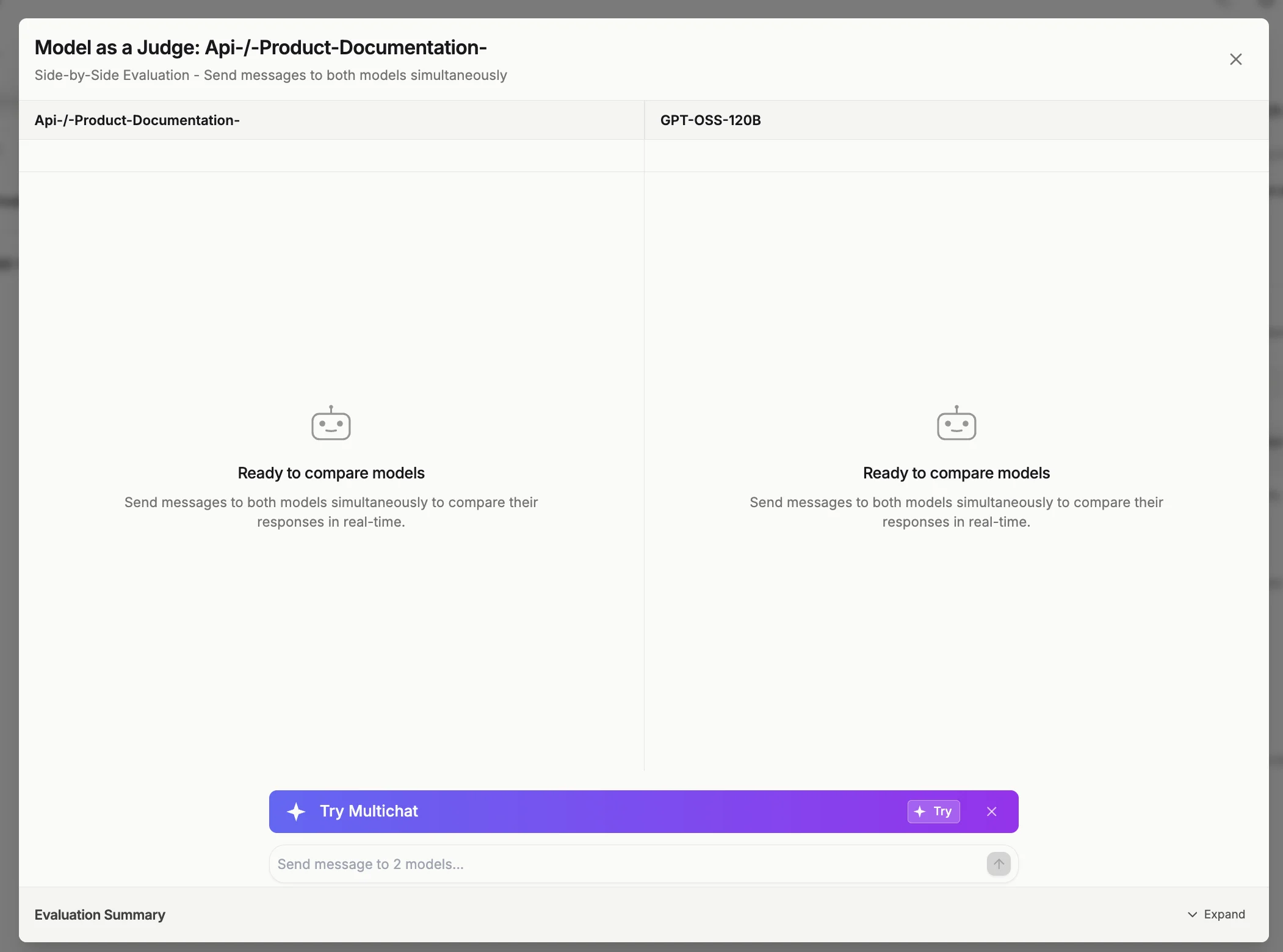
 The interface displays a side-by-side chat comparison:
* **Left panel**: Your trained model (with your data)
* **Right panel**: Base model (without your data)
**To test your models:**
1. Type your question in the input box
2. Send to both models simultaneously
3. Review responses in real-time
4. Scroll down to view automated evaluation results
### Understanding evaluation results
Each evaluation summary includes:
**Winner declaration**\
Shows which model provided the better response
**Factual grounding analysis**
* Response A (RAG): How well your model uses training data
* Response B (Base): Evaluation of the unenhanced model
**Key differences**\
Highlights why one response outperformed the other
**Winner rationale**\
Detailed explanation of the judge's decision
### Evaluation criteria
The AI judge evaluates responses based on:
* Factual accuracy from source material
* Proper use of grounding and training data
* Relevance to the question
* Completeness and clarity
Grounded responses using your training data consistently outperform speculative answers.
### Interpreting your results
**Your model wins**\
Your customization is working effectively. Training data is being used properly, and the model is ready for this use case.
**Base model wins**\
A knowledge gap has been identified. Add more training data on this topic and continue refinement.
**Mixed results**\
Partial success indicates you should add data for questions where your model underperformed and continue testing.
### Best practices
**Testing strategy:**
* Ask 10-15 diverse questions minimum
* Test scenarios where your data should provide an advantage
* Include difficult and edge cases
* Review "Past Results" to track improvement over time
**After evaluation:**
1. Identify patterns in wins and losses
2. Add training data to address knowledge gaps
3. Re-test to verify improvements
4. Iterate continuously
### Tips for success
* Grounded responses always outperform speculation
* Losses reveal where to add more training data
* Test regularly as you add new content
* Use realistic queries your actual users would ask
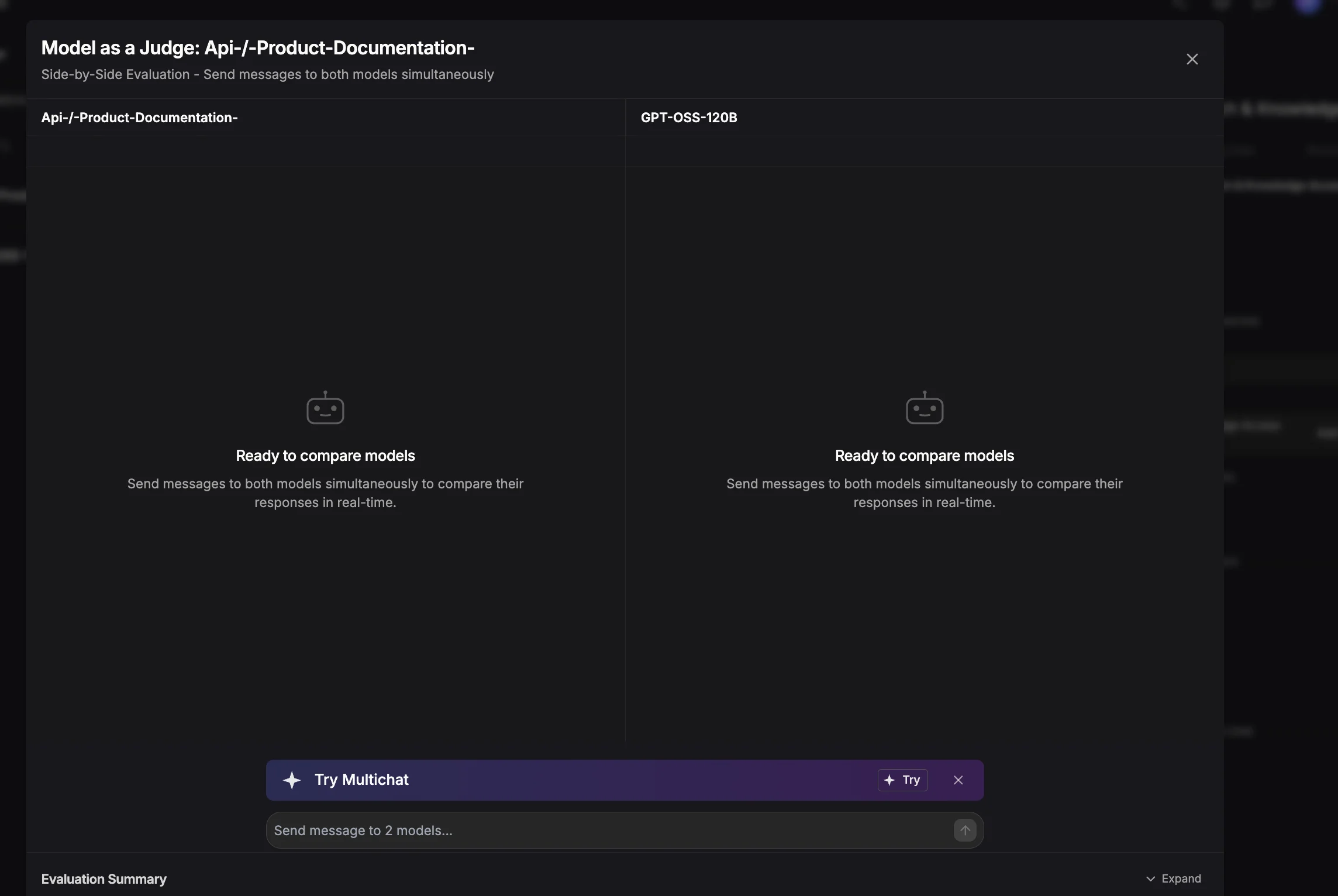
The interface displays a side-by-side chat comparison:
* **Left panel**: Your trained model (with your data)
* **Right panel**: Base model (without your data)
**To test your models:**
1. Type your question in the input box
2. Send to both models simultaneously
3. Review responses in real-time
4. Scroll down to view automated evaluation results
### Understanding evaluation results
Each evaluation summary includes:
**Winner declaration**\
Shows which model provided the better response
**Factual grounding analysis**
* Response A (RAG): How well your model uses training data
* Response B (Base): Evaluation of the unenhanced model
**Key differences**\
Highlights why one response outperformed the other
**Winner rationale**\
Detailed explanation of the judge's decision
### Evaluation criteria
The AI judge evaluates responses based on:
* Factual accuracy from source material
* Proper use of grounding and training data
* Relevance to the question
* Completeness and clarity
Grounded responses using your training data consistently outperform speculative answers.
### Interpreting your results
**Your model wins**\
Your customization is working effectively. Training data is being used properly, and the model is ready for this use case.
**Base model wins**\
A knowledge gap has been identified. Add more training data on this topic and continue refinement.
**Mixed results**\
Partial success indicates you should add data for questions where your model underperformed and continue testing.
### Best practices
**Testing strategy:**
* Ask 10-15 diverse questions minimum
* Test scenarios where your data should provide an advantage
* Include difficult and edge cases
* Review "Past Results" to track improvement over time
**After evaluation:**
1. Identify patterns in wins and losses
2. Add training data to address knowledge gaps
3. Re-test to verify improvements
4. Iterate continuously
### Tips for success
* Grounded responses always outperform speculation
* Losses reveal where to add more training data
* Test regularly as you add new content
* Use realistic queries your actual users would ask