The Synthesis Graph™ is not directly accessible via API. There is no graph query endpoint. The knowledge graph is queried internally during model inference. To retrieve knowledge from the graph, call a model inference endpoint; the model traverses the graph as part of generating its response.
Using “Try it” on the endpoint pages. Each endpoint under the 4Minds API Endpoints group in the left sidebar includes a live “Try it” panel. Before sending a request, expand the Authorization section on the right and paste your API key into the Bearer Token field: otherwise requests return
401 Unauthorized. Your key is stored locally in your browser and sent only to https://api.4minds.ai. Get your key from the API tab in the 4Minds platform.Accessing 4Minds API
The API is a dedicated tab in the main navigation. It’s available on the Enterprise plan and only visible to users with Admin rights. If you don’t see the tab, confirm your plan and role with your organization administrator. From the API tab, you can view your API keys, configure access, and browse the API reference.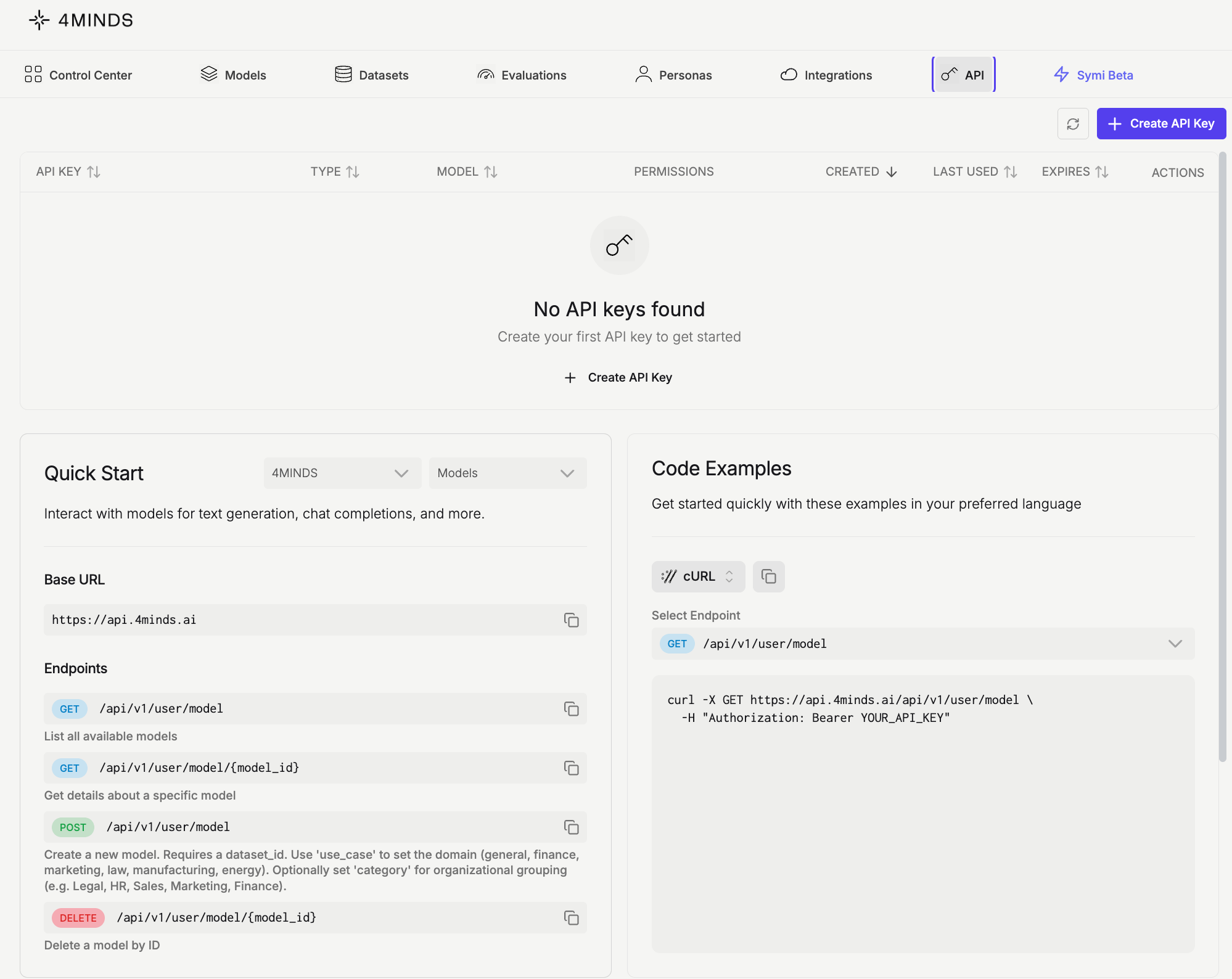
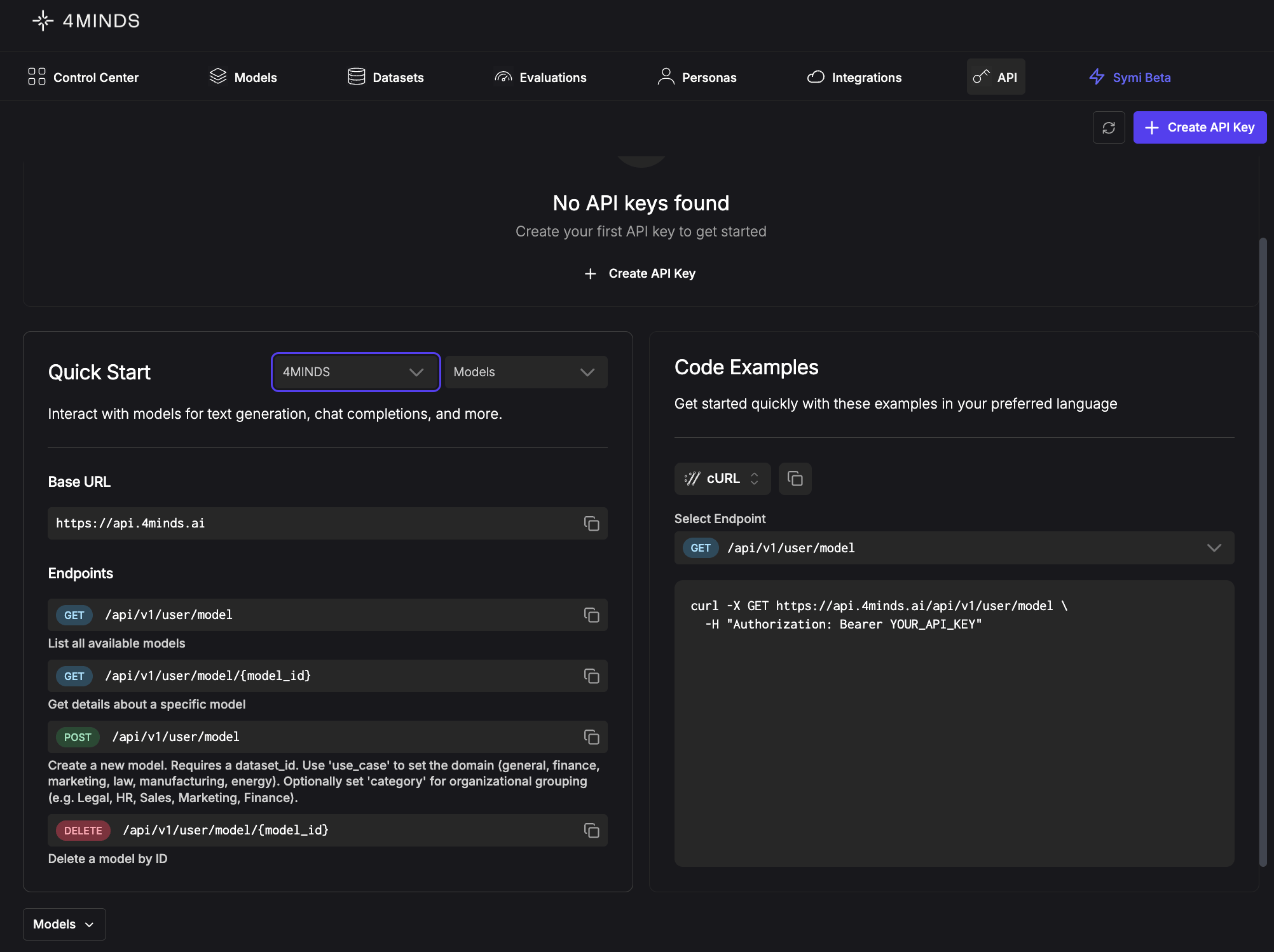
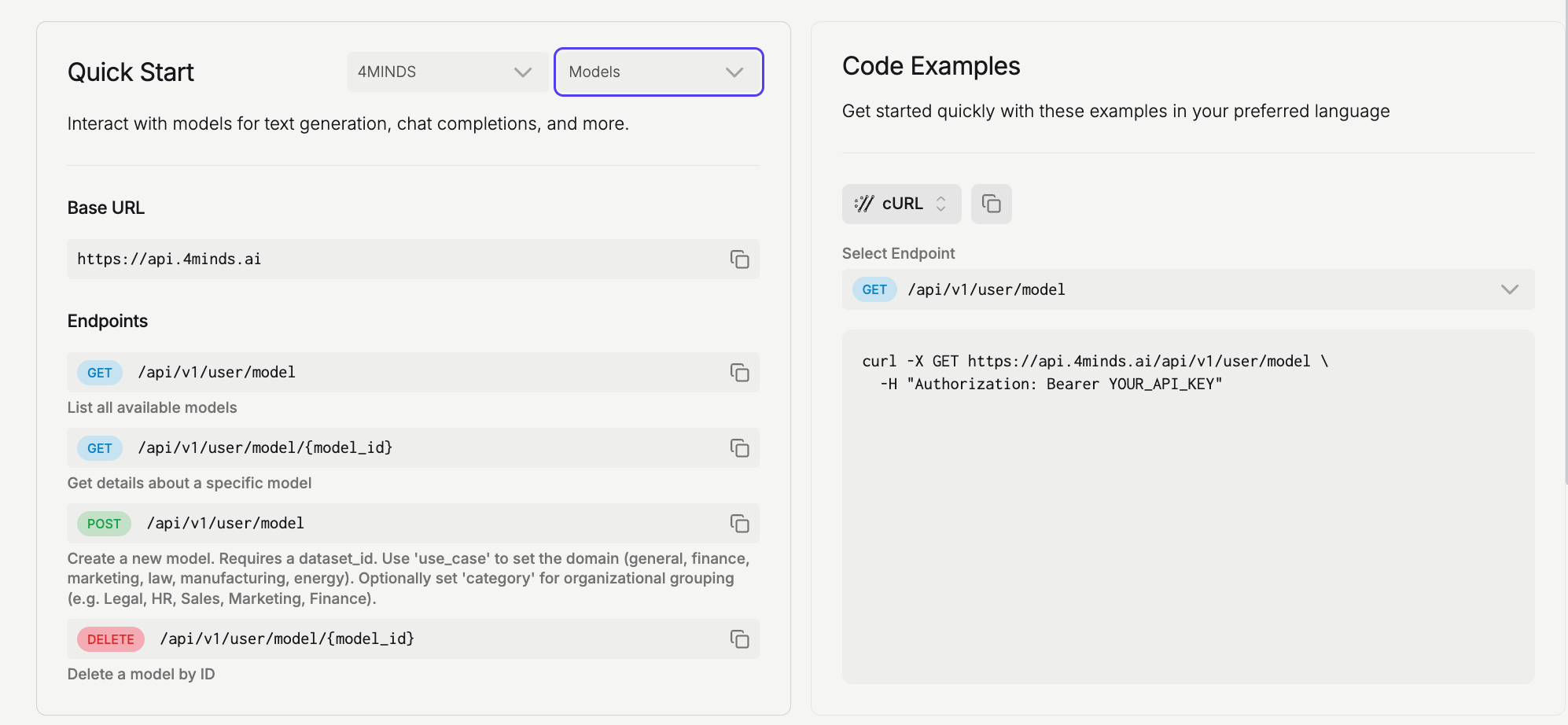
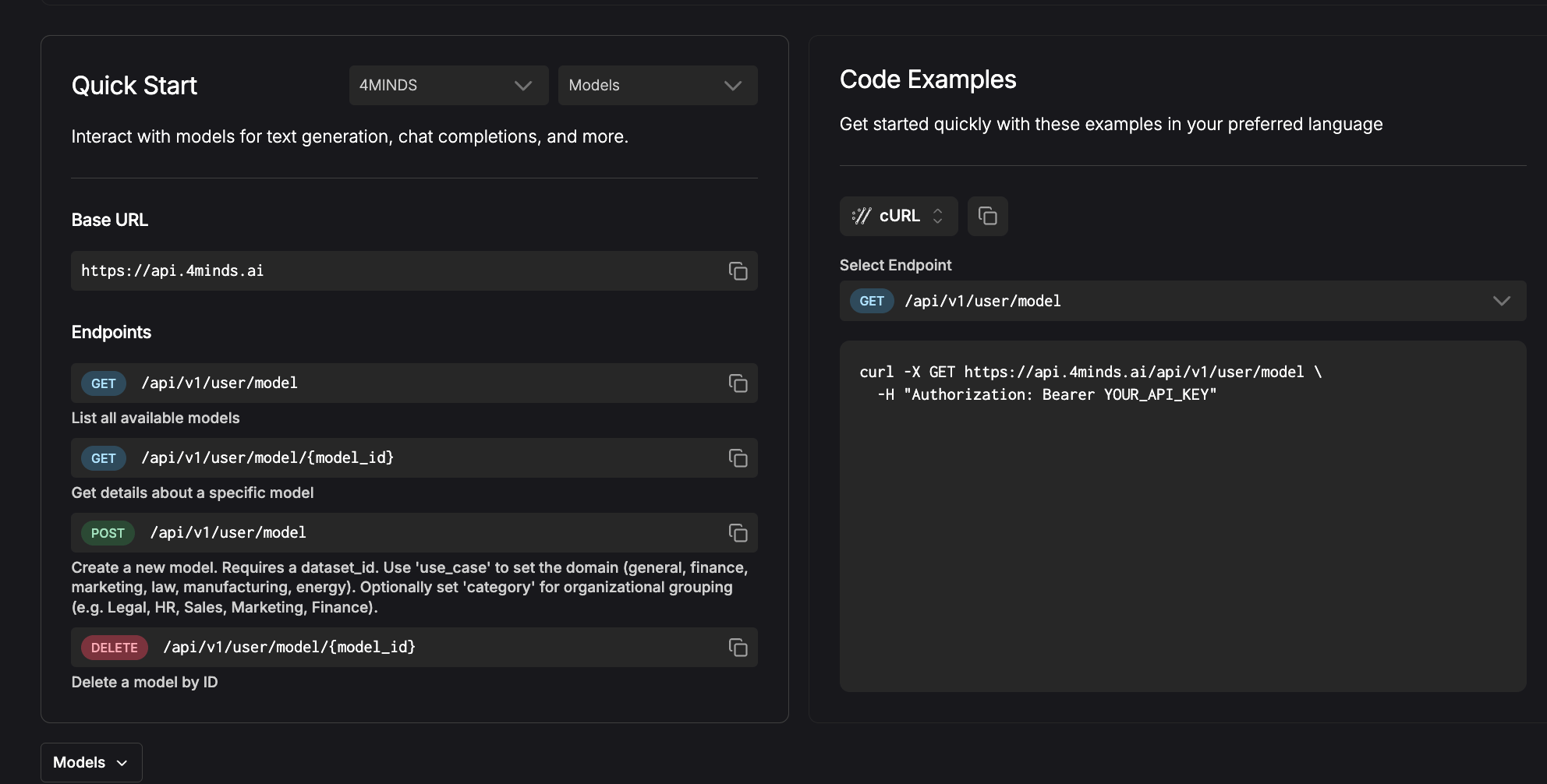
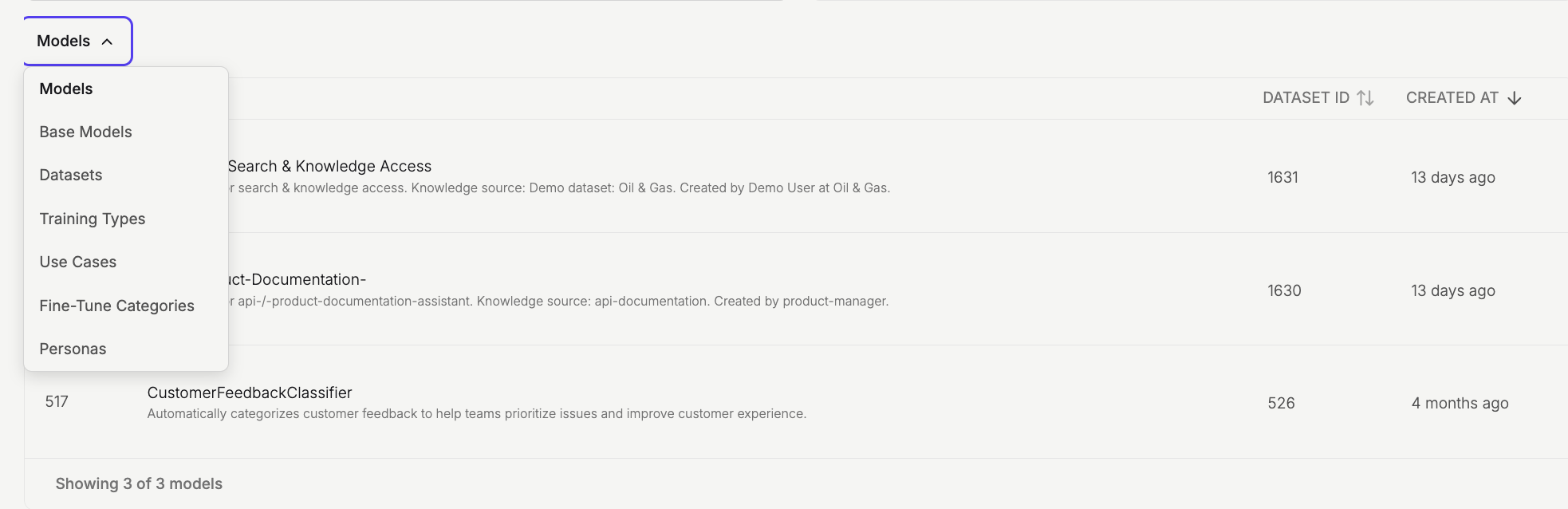
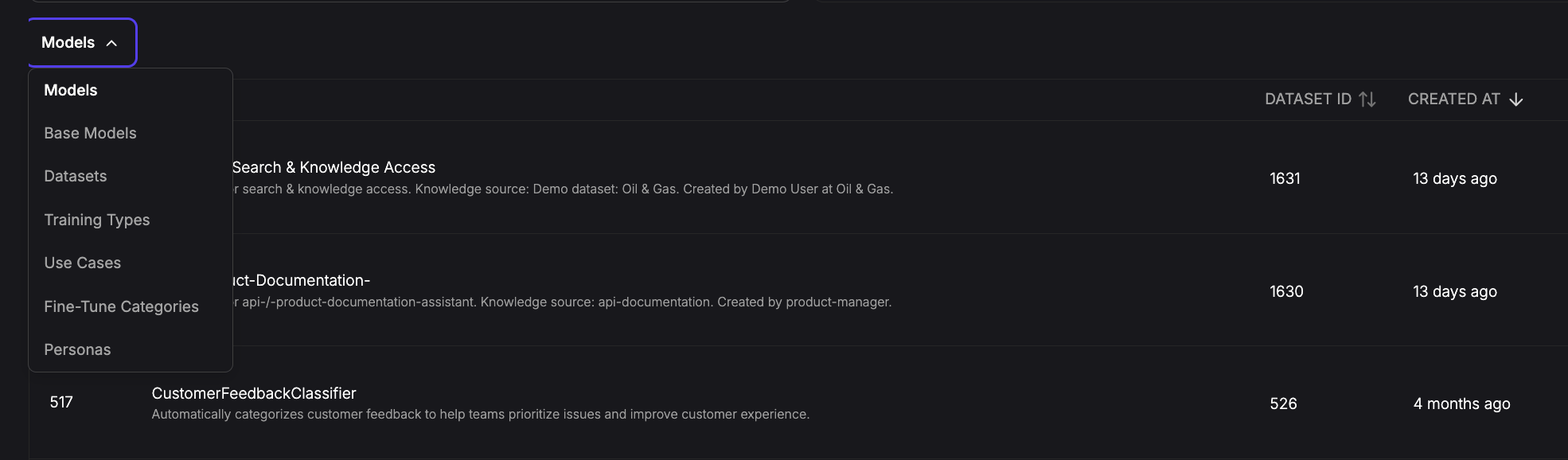
The Quick Start section covers the 4Minds API. Use the dropdowns to select the API version and a resource, then browse all available endpoints.
Authentication
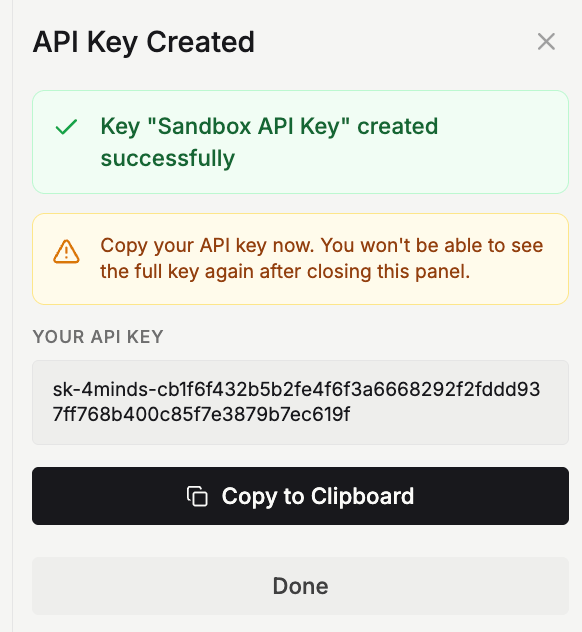
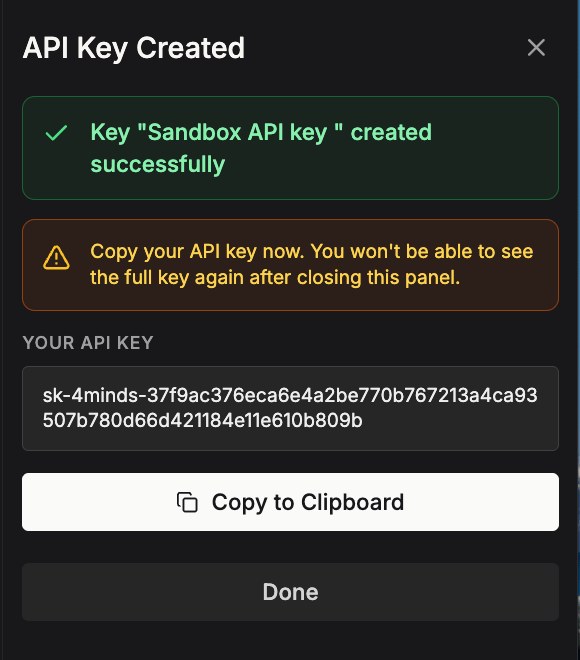
To start working with the 4Minds API, click the ‘Create API Key’ button to generate your authentication key.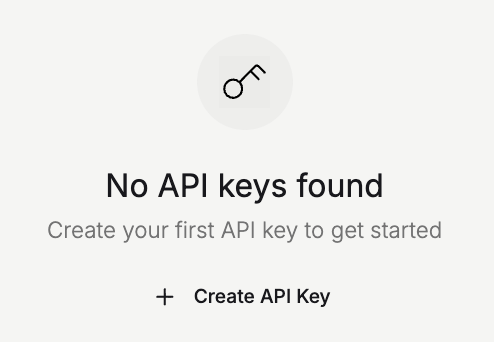
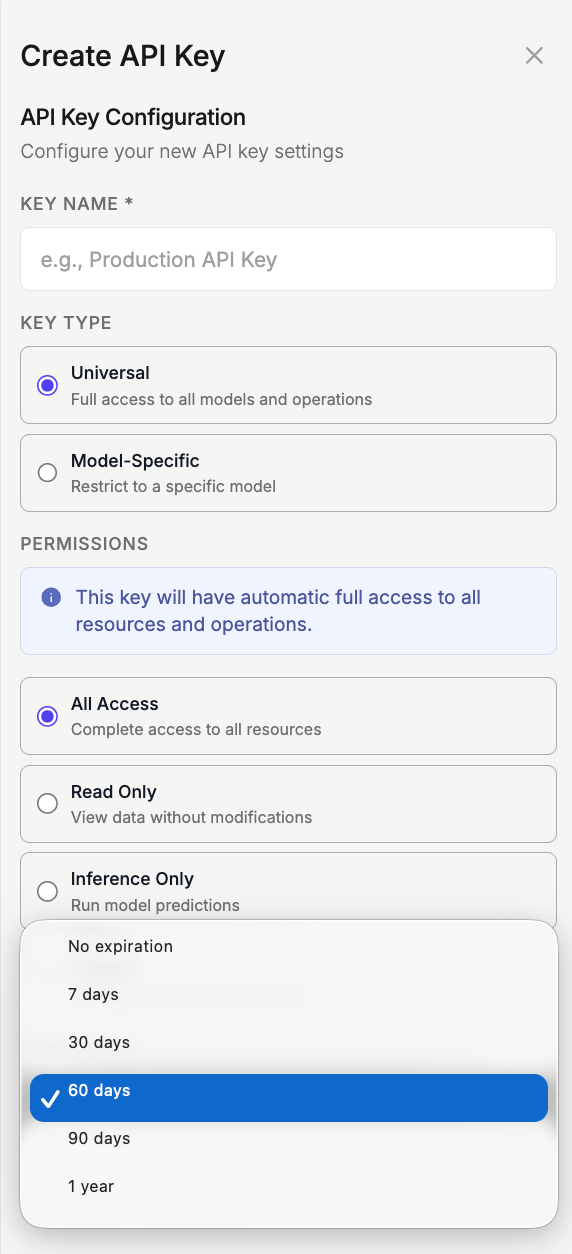
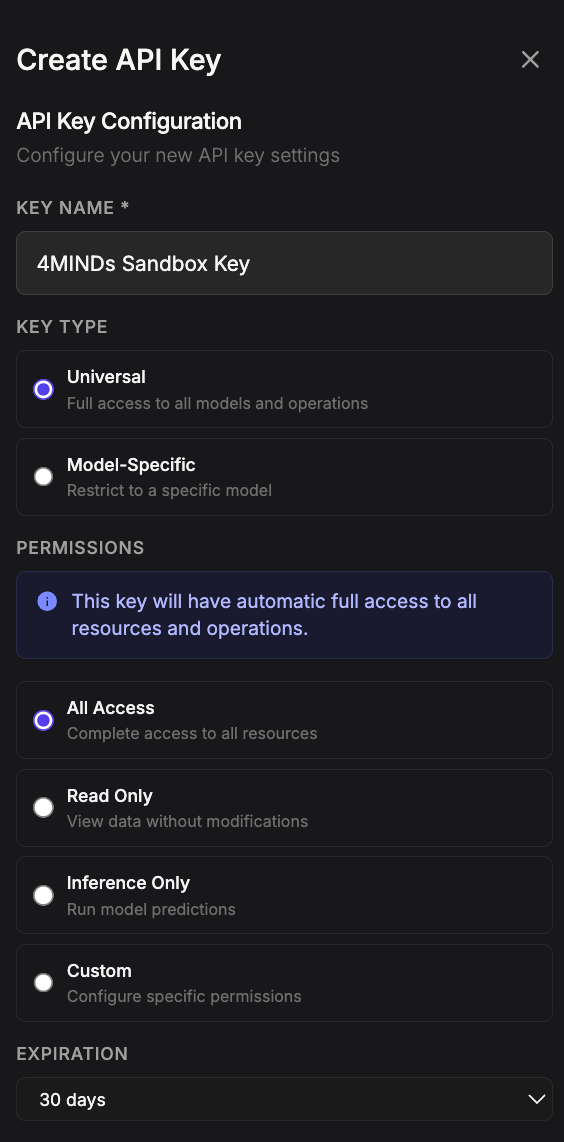
Copy your API authentication key now and store it securely, as you won’t be able to retrieve it later.