

Overview
Personas let you create different AI personality templates for various use cases. Each persona defines the tone, communication style, and key behavioral traits that shape how the AI interacts with users - whether that’s a technical analyst, customer service representative, or creative writer.Personas define tone and personality, not role context. Use personas to shape how your model communicates (professional, technical, casual, etc.). If you need to define a system-level role or context (e.g. “You are a cybersecurity expert in a SOC environment”), configure that in a SYMI sub-agent task definition instead.
Accessing personas
Select Personas from the top navigation bar to access the Personas management dashboard.Dashboard features
- Search bar: Find personas by name.
- Tone filter: Filter by tone using the All Tones dropdown. Available values: All Tones, Professional, Friendly, Casual, Formal, Technical, Creative.
- Start: Click Start next to any persona to activate it in your chat session.
- + Create Persona: Create a new custom persona.
Persona templates
Choose from six pre-configured templates to get started quickly:Professional Assistant
Friendly Support Agent
Technical Expert
Creative Collaborator
Formal Consultant
Casual Mentor
Creating a custom persona
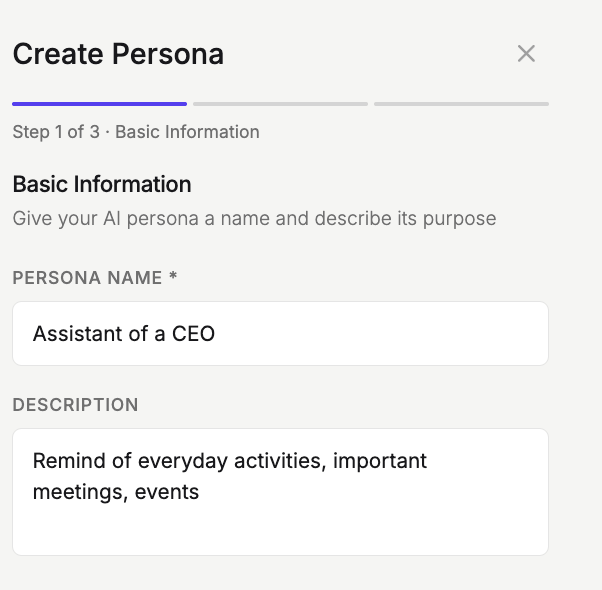
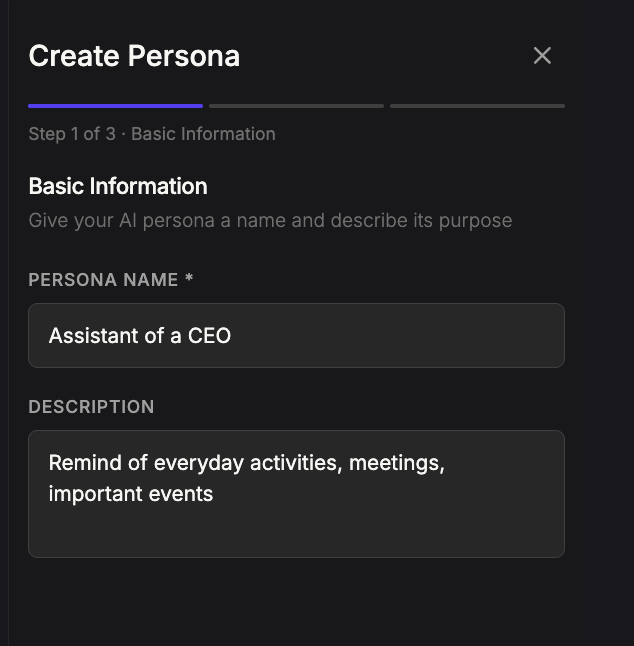
If the templates don’t meet your needs, click + Create Persona in the top right to open the creation panel. The process has 3 steps.Step 1: Basic information
To create a persona, navigate to the ‘Personas‘ tab and click ‘Create Persona‘. Fill in the following fields and click ‘Next‘:- Persona Name (required): Enter a name for your persona.
- Description: Briefly describe the persona’s purpose and communication style.
Step 2: Tone and key traits
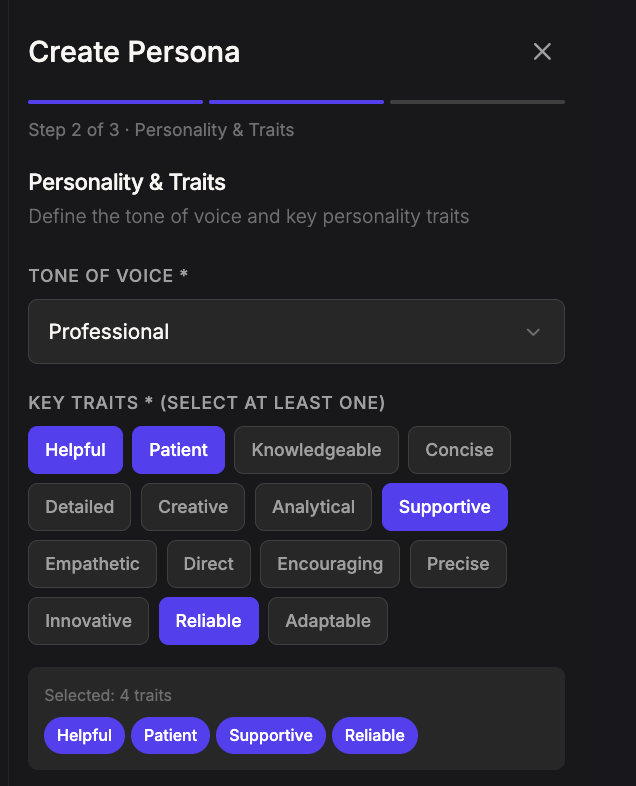
Select the tone of voice from the dropdown and key traits to define this persona’s behavior.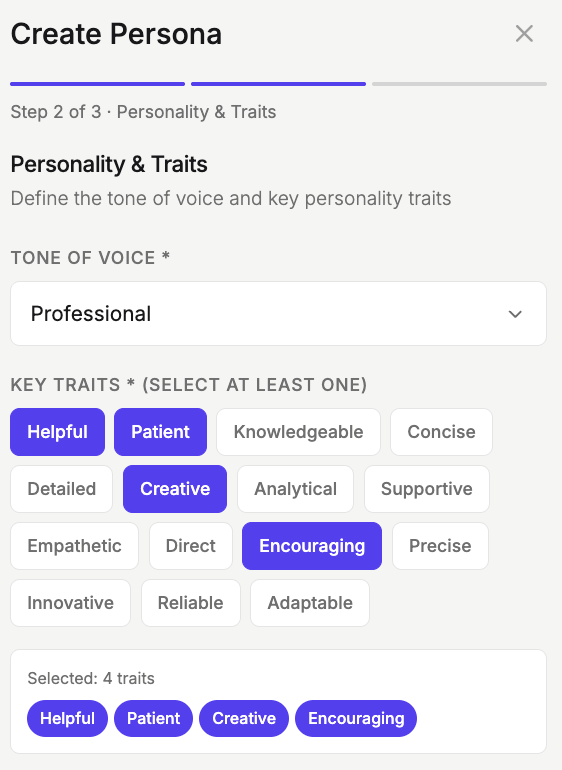
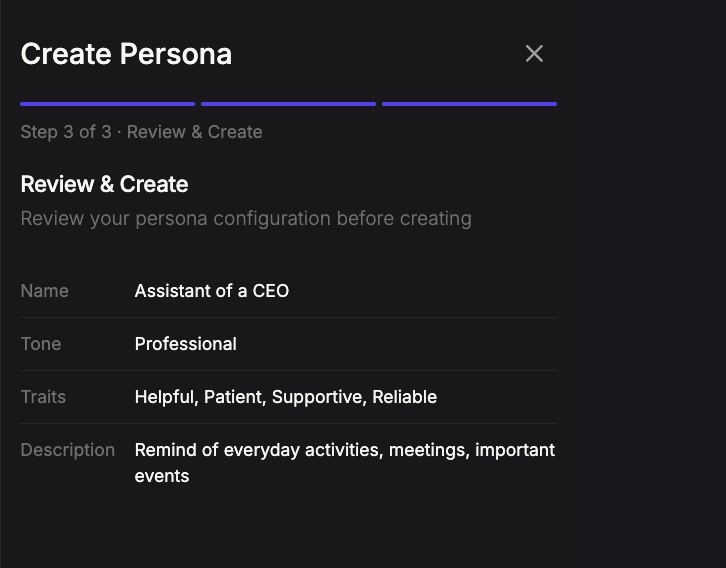
Step 3: Review and Create
Review your persona configuration before creating. Click ‘Create Persona‘.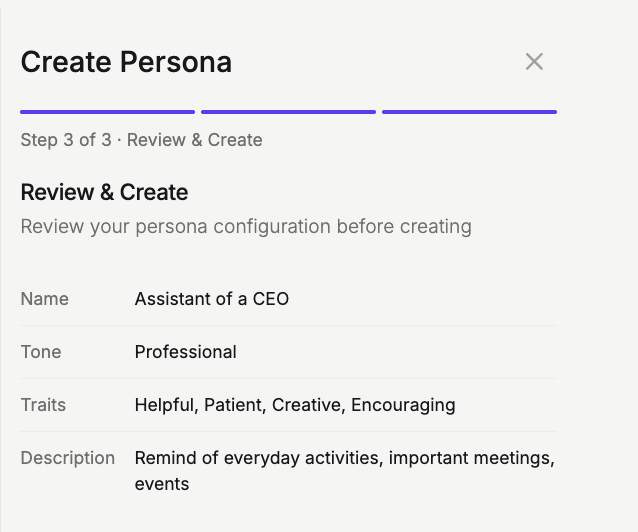


Persona status
Each persona can have one of the following statuses:Managing personas
The persona table displays the following information:Next steps
Key Terms & Concepts
Explore detailed definitions of customer features and industry concepts